
Words that
move.
From a clean quote card to a full motion design piece. Type an idea, a quote or a message and Sleepy Motion animates every word to the voiceover, with real typography, textures and sound effects on the hits. No After Effects, no keyframes.
From clean to cinematic
Every look here is one tap: use it and it is set up for you, on every plan, Free included. Then type your words and generate.
AI-generated content may contain errors. By using this service, you agree to our Terms of Service.
Typography that moves with the voice
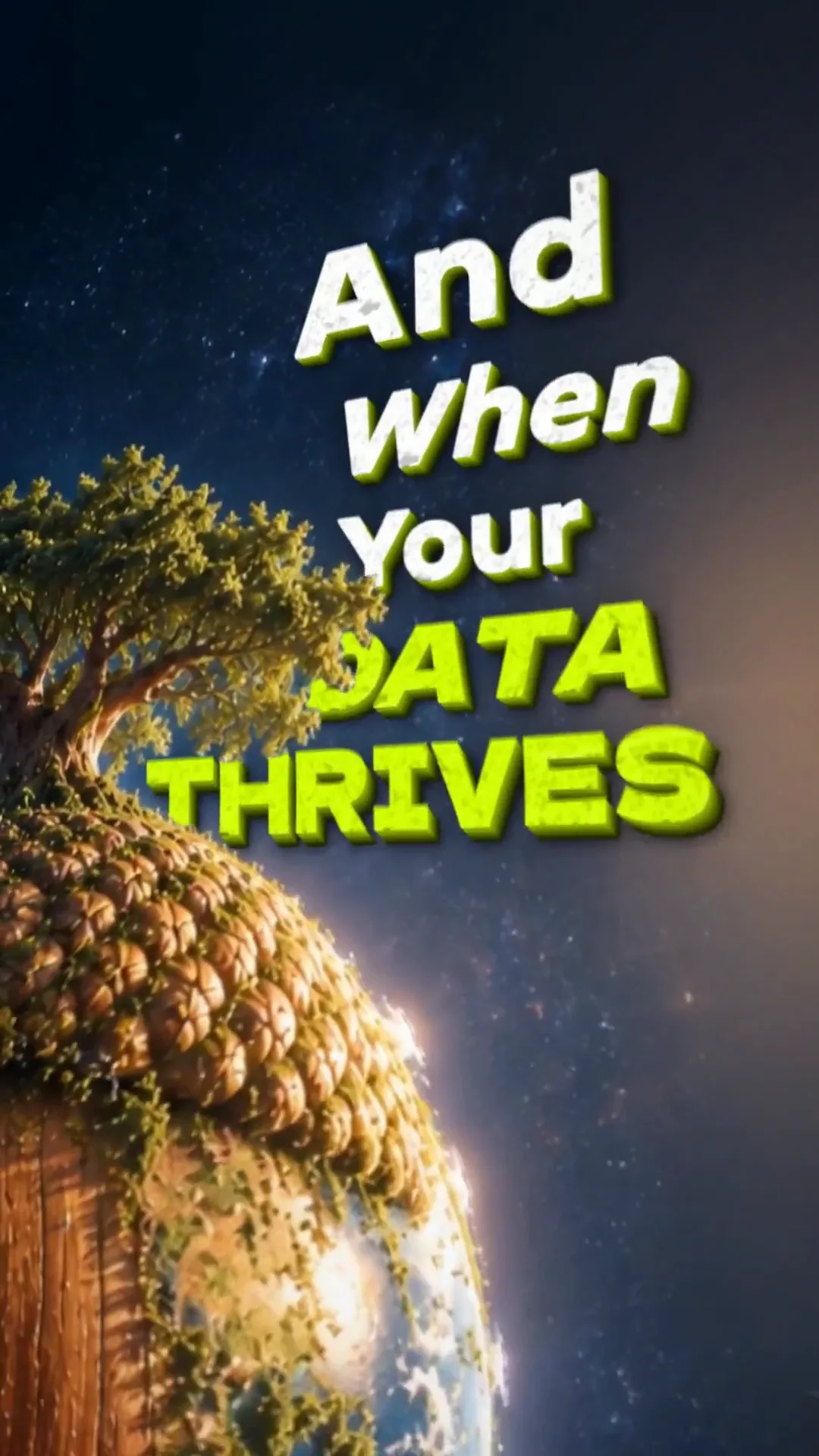
Each word comes in on the beat of the voiceover, in fonts, colors and textures that fit the mood, with a sound effect on every hit. It is kinetic typography, the look motion designers spend days keyframing, made in about 2 minutes.
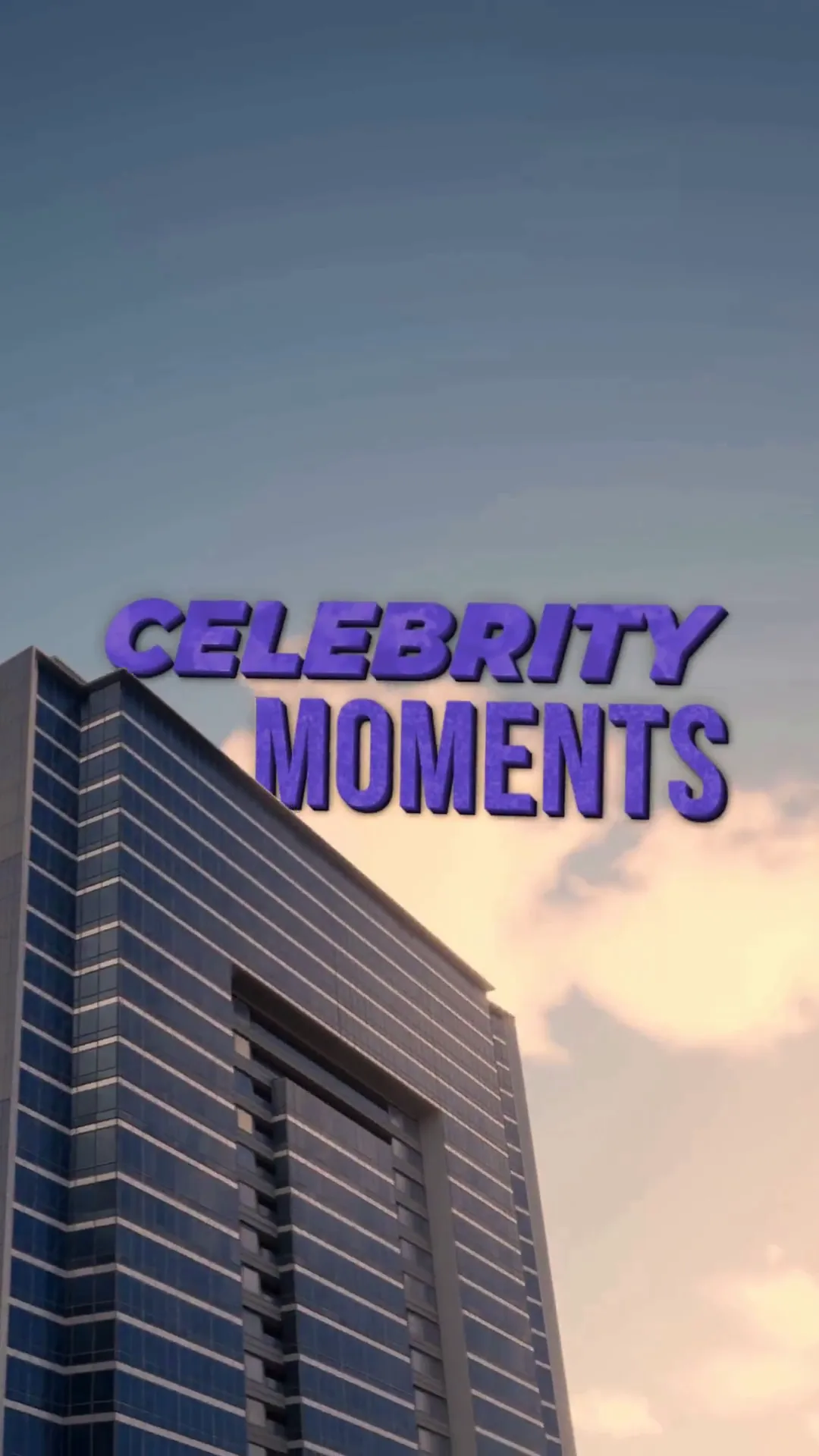
Keep it clean for a quote or an announcement, or go all the way: words behind the objects in your own photos, inside a 3D scene, or with fire, glitch and liquid glass effects.
Use a look, choose the fonts, colors, textures and how each word enters yourself, or leave it on Sleepy picks and Sleepy decides.
 One prompt
 In a 3D scene
How to make an animated text video
Type your message
A quote, an idea, a list or an announcement. Add a mood if you like: bold, calm, playful or cinematic.
Use a look, or style it yourself
One tap on a look sets everything for you. Or pick the fonts, colors, textures, borders and how each word enters, add your own images for the words to go behind (up to 3, or 2 on the Free plan), or leave it on Sleepy picks.
Generate and download
Every word timed to the voiceover, with sound effects on the hits, in about 2 minutes. Vertical or horizontal, in 1080p, or 2K from the Creator plan up.
More looks, seasonal ones included
Halloween, a retro desktop and more: same one tap.
Questions
How do I make an animated text video?
Type what you want to say and Sleepy Motion turns it into a video: the words animate in time with the voiceover, styled with real typography, music and sound effects. No After Effects and no keyframes.
What is kinetic typography?
Text that moves: words that animate in, grow, and change style in time with a voice or music. It usually takes a motion designer days of keyframing. Sleepy Motion does it automatically.
Can I animate a quote?
Yes. Ask for it, for example: Animate this quote: "Stay hungry, stay foolish". Sleepy times every word to the voiceover and styles it to fit the mood. Keep it clean with a look like Vanilla Ink or Hand-Drawn Paper, or put it behind your own photo with the AI images look.
Can I start from a ready-made look?
Yes. Pick one of the looks, from clean ones like Vanilla Ink and Hand-Drawn Paper to bold ones like Liquid Fire and Retro Fluid, and everything is set for you. Type your words and generate. Every look works on the Free plan.
Can I put the words behind objects in my own photos?
Yes. Choose the AI images look and add up to 3 of your own images (2 on the Free plan) instead of generated ones: Sleepy cuts out what is in them and puts the words behind it, great for quotes and short stories. Presets like Pastel Glow use your images too.
Can I use my own fonts?
Pick from the built-in fonts on any plan, or let Sleepy choose. On paid plans you can also upload your own font files.
Can the words be inside a 3D scene?
Yes, with the 3D scenes look: the words live inside a 3D scene, with objects moving in front of and behind them. Every library scene is open to all plans, and from the Creator plan up you can upload your own scene.
Which formats can I make?
Vertical 9:16 for TikTok, Instagram Reels and YouTube Shorts, or horizontal 16:9 for YouTube, your website and slides.
Is it free?
You can make 3 videos a month for free, up to 15 seconds, with a watermark, and every look and 3D scene from the library works on the Free plan. Paid plans start at $5 a month, remove the watermark and unlock 30-second videos.
Selling something? Make a video ad. Explaining something? Make an explainer. Want animated words on your own video? Add captions.