



Create a Stunning App Promo Video in Minutes
Learn how to make an engaging app promo video quickly and easily with our online tool.
Creating an app promo video doesn't have to be a daunting task. In fact, with the right tools, you can have a polished video ready in just a few minutes. An effective app promo video showcases your app's features and benefits while engaging potential users. Here's how to get this done today.
Why Make an App Promo Video?
An app promo video serves multiple purposes. It can inform viewers about your app's functionalities, highlight unique features, and prompt potential users to download it. A well-crafted video can significantly improve your app's visibility on app stores and increase conversion rates.
What Should I Include in My App Promo Video?
When creating your app promo video, consider these key elements:
- Introduction: Start with a captivating hook that grabs attention quickly.
- Features: Highlight the app's standout features. Show how it solves a problem or improves the user's life.
- Call to Action: Encourage viewers to download the app at the end of the video.
- Visuals and Sound: Incorporate engaging visuals and background music to keep viewers interested.
How Can I Make an App Promo Video Easily?
Using an online motion graphics tool like the video ad maker makes the process simple. Here’s how:
- Start with a Brief: Type out a simple request like, “make an app promo video for my fitness app” and include any specific details you want.
- Customize: Optionally, you can add your app's logo, brand colors, and any images or audio that represent your app well.
- Choose Styles: You can select from preset styles that fit your vision. For instance, if you want a vibrant look, try the Neon Bat Night preset.
- Generate: Hit the generate button and let the tool create a stunning video for you, all in under two minutes.
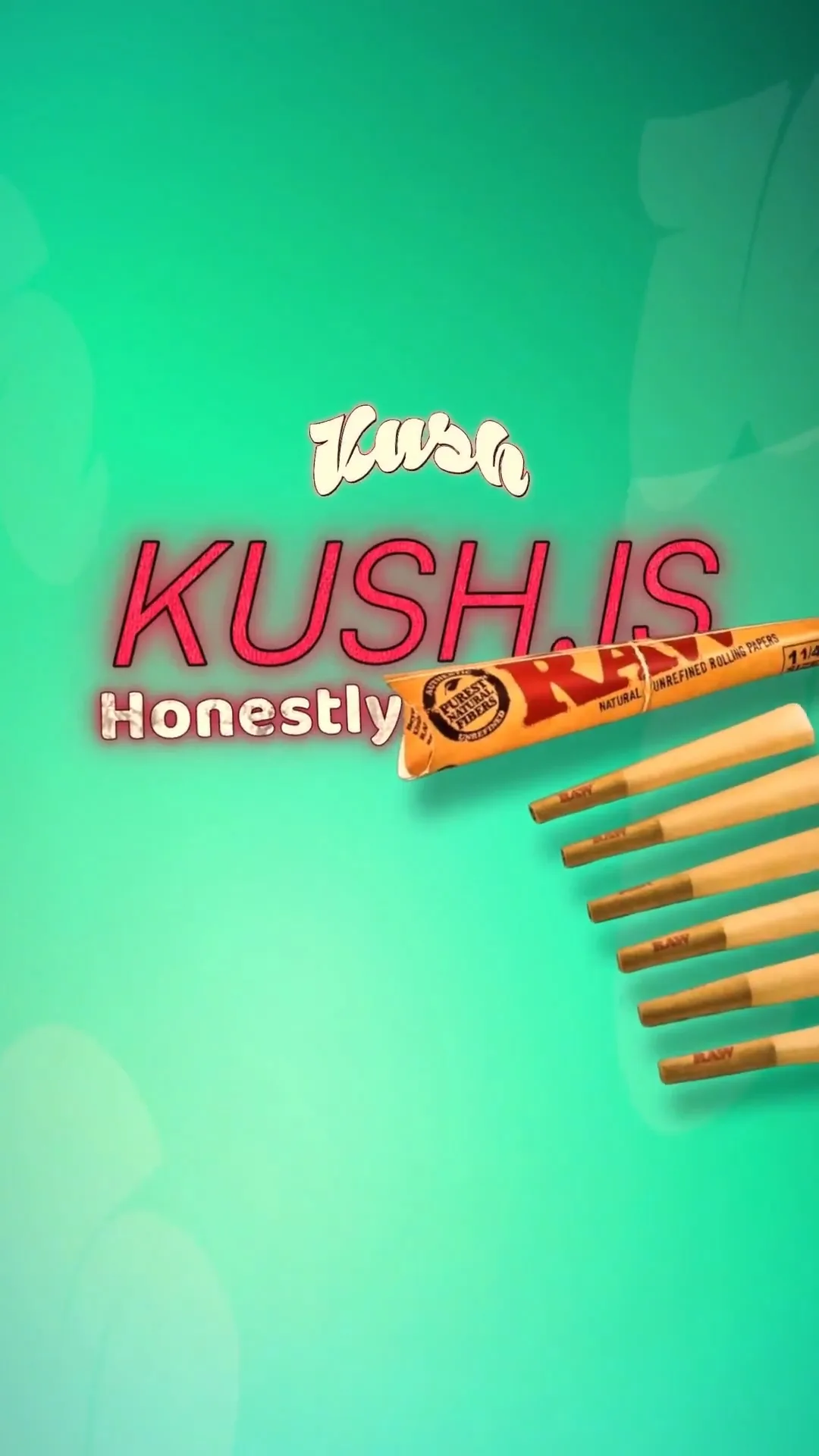
Here's an example of a finished app promo video generated from a one-sentence request. This showcases how quickly you can turn ideas into reality:
make a cool ad for kush.is , do it fast!!
 Take 1
 Take 2
 Take 3
Make this video now
Write your own, or start from the example. Ready in about 2 minutes.
Can I Use My Own Content?
Absolutely! If you prefer to include specific visuals or audio, you can upload your own images, voiceovers, or music. The tool blends your inputs seamlessly to create a personalized video that perfectly reflects your app's branding and message.
What Formats Can I Export My App Promo Video In?
You can export your app promo video in both vertical (9:16) and horizontal (16:9) formats, making it perfect for sharing on social media platforms or app stores. The output will be in high quality, ensuring your video looks professional regardless of the platform.
How Quickly Can I Get This Done?
With the right tool, the process is incredibly fast. You can create and export your app promo video in just a few clicks, often within minutes. This means you can quickly adapt your video for marketing campaigns, app launches, or seasonal promotions.
In conclusion, making an engaging app promo video is not only essential for showcasing your app but also easier than ever with online tools. Whether you’re launching a new app or promoting an existing one, a polished video can elevate your marketing efforts. Start today by typing a simple request into the video ad maker, and watch your vision come to life.
Frequently Asked Questions
What is an app promo video?
An app promo video is a short video that highlights the features and benefits of your app to entice potential users to download it.
How can I make an app promo video?
You can easily make an app promo video using an online motion graphics tool, which allows you to generate videos from simple text requests.
What should I include in my app promo video?
Include an engaging introduction, showcase key features, add a call to action, and use appealing visuals and sound.
Can I use my own images and audio in the video?
Yes, you can upload your own images, voiceovers, and music to customize your app promo video.
Make it yourself with Sleepy Motion
Write your own, or start from the example. Ready in about 2 minutes.