



How to Make a Video for My Restaurant: A Simple Guide
Want to make a video for your restaurant? Learn the quickest way to create an engaging video ad that showcases your unique offerings.
Creating a video for your restaurant can effectively showcase your unique offerings, attract new customers, and engage your current clientele. You can produce a polished video ad in less than two minutes, even without deep expertise in video editing. Here’s a straightforward process to get you started today.
Why Make a Video for My Restaurant?
A video can convey your restaurant’s atmosphere, menu highlights, and special promotions far better than a static image or text alone. A well-crafted video can increase your online visibility, helping your restaurant stand out in a crowded market. Whether you want to promote a new dish, share customer testimonials, or highlight a special event, a video can encapsulate your brand story beautifully.
What Do I Need to Get Started?
You don’t need fancy equipment or software to make a great video. Here’s what you’ll need:
- Images or videos: Capture some appealing shots of your dishes, ambiance, and staff. You can also include short video clips of customers enjoying their meals.
- Your restaurant's website URL: If you’re short on content, you can simply provide your website address, and a motion graphics tool can generate visuals, logos, and colors for you.
- Voiceover or music: You can record a voiceover to narrate your video, or choose background music that fits your restaurant's vibe.
How to Create the Video
- Choose a Video Creation Tool: I recommend using the video ad maker, a motion graphics tool that turns your website URL into a stunning video ad in seconds. This tool requires minimal input and can provide you with a professional-looking video without the hassle.
- Input Your Details: If you opt to use the tool, simply type your website URL into the tool. It will automatically extract your restaurant's logo, colors, and images. This way, you can ensure that your video is consistent with your brand identity.
- Add Custom Elements: If you want to personalize your video further, you can upload your images, edit the script to highlight specific dishes or promotions, and choose your preferred music or voiceover. The tool offers various presets to make your video visually attractive.
- Select the Mode: Depending on the atmosphere you want to convey, you can choose different motion styles. For example, the Neon Bat Night preset gives a fun touch, while Molten Haunt might suit a spooky seasonal event.
- Review and Finalize: Watch the video before finalizing it. You can refine the script or make adjustments as needed. Once you’re satisfied, render the video and get ready to share.
Make this video now
Write your own, or start from the example. Ready in about 2 minutes.
Practical Examples
Imagine you're running a cozy Italian restaurant. You could input your website URL and generate a beautiful video ad showcasing your pasta dishes, warm ambiance, and friendly staff. Or, if you run a trendy café, you might create a vibrant video highlighting your signature drinks, bakery items, and inviting decor.
Here’s an example of how easy it is:
make a cool ad for kush.is , do it fast!!
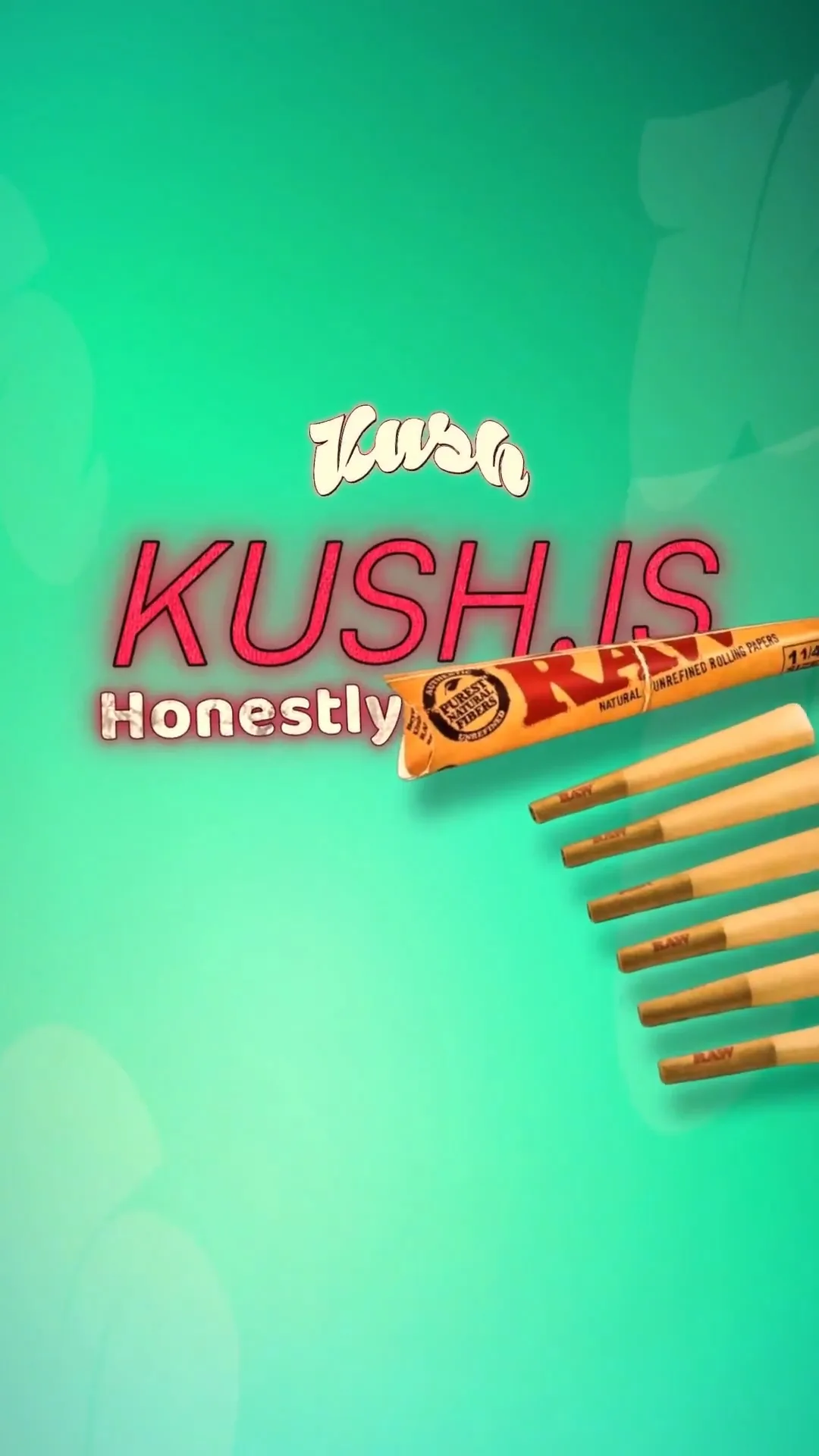 Take 1
 Take 2
 Take 3
Tips for an Effective Restaurant Video
- Keep It Short: Aim for 15-30 seconds. This duration is perfect for social media, where viewer attention spans are short.
- Highlight Your USP: Focus on what makes your restaurant unique. Whether it's a secret family recipe or a farm-to-table approach, make sure it’s front and center.
- Call to Action: Encourage viewers to visit your restaurant or check out your website for more information.
Where to Share Your Video
Once your video is complete, share it across your social media platforms, embed it on your website, and consider using it in email marketing campaigns. Videos can enhance engagement and improve reach, making it worthwhile to promote them widely.
Conclusion
Making a video for your restaurant is now simpler than ever. With a motion graphics tool, you can create a professional-quality video that captures the essence of your establishment in no time. Start today by visiting the video ad maker and see how your restaurant can shine on screen.
In today’s digital-first world, investing in video content is a smart move. Not only does it engage current customers, but it also attracts new diners eager to experience what you have to offer.
Example Prompt
here's a video to promote my new brunch menu at my café, using my restaurant photos and upbeat music...
Frequently Asked Questions
How do I make a video for my restaurant?
You can create a video by using a motion graphics tool that generates ads from your website URL, or by uploading your images and video clips.
What should I include in my restaurant video?
Include appealing shots of your food, ambiance, and any special promotions you want to highlight.
How long should my restaurant video be?
Aim for 15-30 seconds to keep it engaging and suitable for social media.
Can I add my own music or voiceover?
Yes, you can upload your own music and record a voiceover to enhance your video.
Make it yourself with Sleepy Motion
Write your own, or start from the example. Ready in about 2 minutes.