
How to Make an Animated Quote Video Today
Create captivating animated quote videos easily with our motion graphics tool. Here's how to get started today.
What is an Animated Quote Video?
An animated quote video is a dynamic and engaging way to present quotes using motion graphics. These videos often feature text that moves, appears, or transforms in an eye-catching manner, making them perfect for social media posts, motivational messages, or content marketing.
Why Choose Animated Quote Videos?
Animated quote videos grab attention and enhance engagement. They’re ideal for sharing inspiration or promoting ideas quickly. Plus, they can convey emotions and themes through their visual style, making the message even more impactful. Whether for Instagram, TikTok, or any platform, these videos stand out in feeds cluttered with static images.
How Can You Make an Animated Quote Video?
Creating an animated quote video today is straightforward with the right tools. Here’s how you can do it:
- Start with Your Quote: Decide on the quote you want to use. It could be something motivational, humorous, or thought-provoking. The right quote will resonate with your audience.
- Use a Motion Graphics Tool: To bring your quote to life, consider using an online motion graphics tool like Sleepy Motion. You can create your animated quote video by simply typing in your request without needing complex design skills.
- Choose Your Style: In Sleepy Motion, you can select from various presets to set the tone of your animated quote video. For instance, the Pastel Glow preset offers a soft, dreamy aesthetic, perfect for uplifting quotes, while the Glitch Paper preset adds a vibrant, edgy feel suitable for modern or tech-related quotes.
- Add Music and Sound Effects: Enhance your video by adding background music or sound effects. Sleepy Motion automatically syncs sound effects with your quote's animations, ensuring a polished final product.
- Preview and Refine: Once you’ve generated your video, take a moment to watch it. If something doesn’t feel right, you can adjust the script or visual style until you’re satisfied with the result.
- Export and Share: After finalizing your video, export it in the desired format. You can share it directly to your social media channels or download it for later use.
Example of an Animated Quote Video
To see how this all comes together, consider the following scenario:
You want to create a motivational quote video that says, "Success is not the key to happiness. Happiness is the key to success. If you love what you are doing, you will be successful."
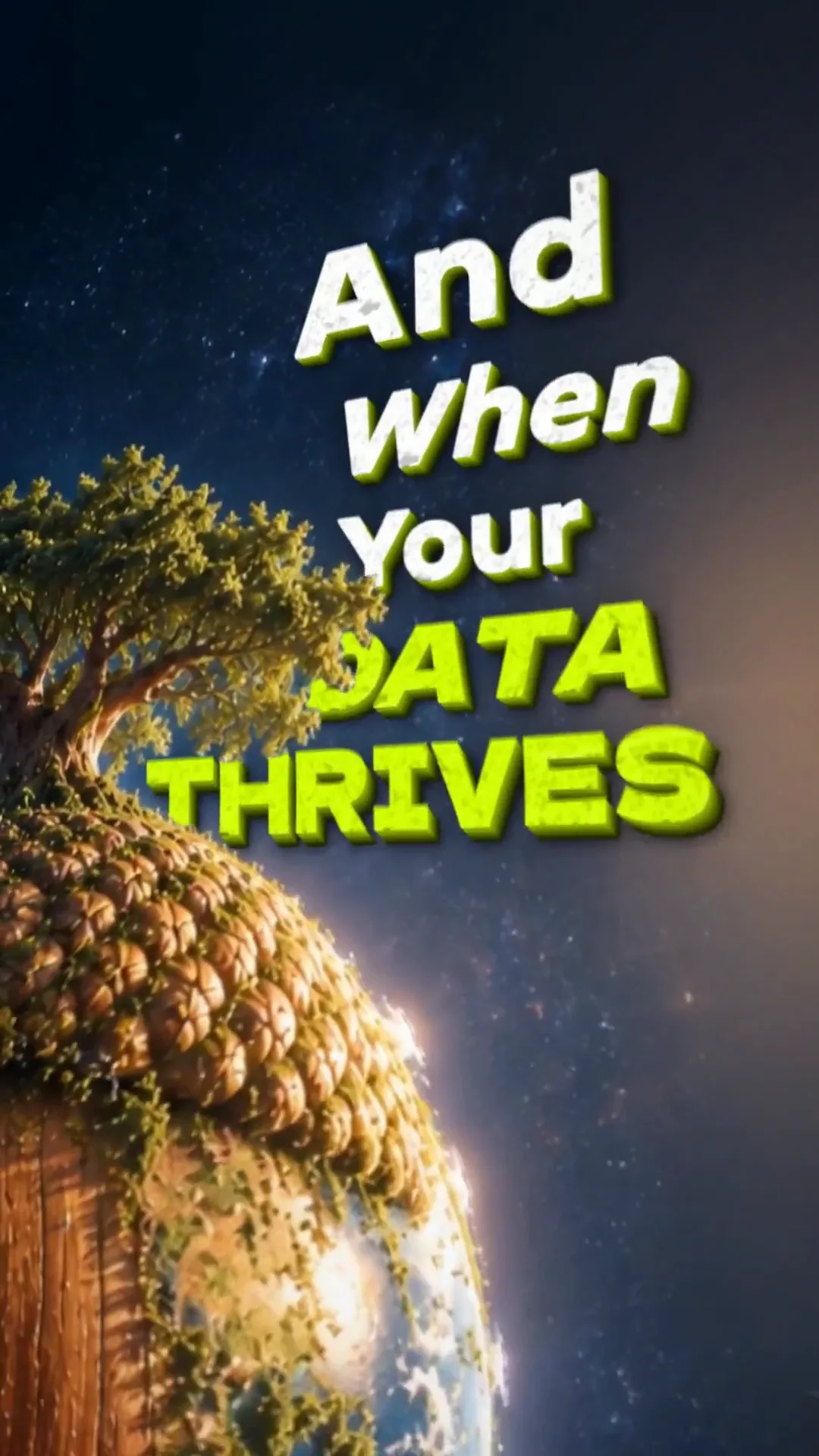
With Sleepy Motion, you would just type: "make an animated quote video with the text about success, in a pastel glow style." The tool will generate a video where the text animates beautifully, backed by engaging visuals and sounds.
Here's a quick example:
Tips for Creating Impactful Animated Quote Videos
- Keep It Short: Aim for concise quotes that are easy to read on screen.
- Choose Readable Fonts: If you use your own text, select fonts that are legible and align with your brand identity.
- Engage Emotions: Use colors and animations that evoke the right feelings associated with your quote.
- Test Different Styles: Don’t hesitate to experiment with various presets and motions until you find what resonates most.
Final Thoughts
Animated quote videos are a fantastic way to convey messages quickly and attractively. With tools like Sleepy Motion, creating one can be done in mere minutes without needing extensive graphic design skills.
Ready to start making your own animated quote video? Dive into the animated text video maker today and unleash your creativity!
Frequently Asked Questions
What is an animated quote video?
An animated quote video uses motion graphics to present quotes dynamically, making them visually engaging.
How can I create an animated quote video?
You can create one easily with tools like Sleepy Motion by typing in your quote and selecting a style.
What are some uses for animated quote videos?
They're great for social media posts, motivational content, and marketing messages.
Can I customize my animated quote video?
Yes, you can choose styles, add music, and adjust the script as needed in Sleepy Motion.
Make it yourself with Sleepy Motion
Write your own, or start from the example. Ready in about 2 minutes.