


Best Music Edit App for Stunning Short-Form Videos
Turn your clips into engaging music edits with our app. Perfect for TikTok and other platforms.
Creating music edits for your short-form videos is easier than ever with the right music edit app. Whether you're crafting stunning TikTok edits to songs or other social media clips, a powerful app can elevate your content without the hassle of complicated software. In this guide, I'll walk you through how to use Sleepy Motion to make eye-catching music edits in no time.
What is a Music Edit App?
A music edit app allows you to integrate audio tracks with visuals seamlessly. Sleepy Motion stands out with its automatic lyric syncing and customizable visualizers. You can quickly transform your footage into engaging edits that resonate with your audience.
How to Make a Music Edit with Sleepy Motion
To get started, follow these practical steps:
- Upload Your Audio: Begin by uploading your chosen song. You can use music you own, royalty-free tracks, or any audio you have permission to use. Remember to respect copyright rules by checking your platform’s guidelines.
- Choose Your Visuals: Upload a video or select from optional images. If you want to add that professional touch, you can include a cover image or background visuals too.
- Automatic Syncing: Sleepy Motion will automatically transcribe the lyrics (available in 90+ languages) and sync them to the beat of your song. You can also customize the lyrics display by choosing word grouping from one to four words per screen.
- Select Your Edit Type: Decide on an audio-driven mode or a masked edit. If you have a video, try the masked options where the subject can be transformed into a silhouette filled with engaging visuals, giving your project a faceless yet captivating look.
- Add Effects: Enhance your edit with powerful post-process effects. You can apply shaders like glitch effects or halftone styles that react to the beat, adding movement and excitement. For example, a dance clip can have flashes on the bass beats, making it more dynamic.
- Export and Share: Once you're satisfied with your edit, export it and share it on platforms like TikTok or Instagram. With Sleepy Motion's fast rendering, you can quickly retry edits to get the perfect final product.
Plan your edit
Describe the vibe, then add your song or clip on the next step.
Why Choose Automatic Masking for Your Edits?
One standout feature of Sleepy Motion is the automatic subject masking technology. This allows you to create unique faceless edits. Your subject can become a silhouette filled with visuals, repurposing any clip into a fresh edit without showing their face. This is ideal for creators who want to maintain privacy or create a specific aesthetic.
Examples of Music Edits for Short-Form Content
For inspiration, consider how popular creators use the music edit app:
- Dance Challenges: Capture your dance clips, apply a sound-reactive visualizer, and sync lyrics to the beat. The movement combined with striking visuals can help your video stand out on TikTok.
- Lyric Videos: Turn your favorite songs into engaging lyric videos that pop. Use your own footage as the background and let the lyrics shine through customized effects.
- Fan Edits: Use footage from your favorite shows or movies, mask your subject, and create a faceless edit that highlights the visuals while the music drives the emotion.
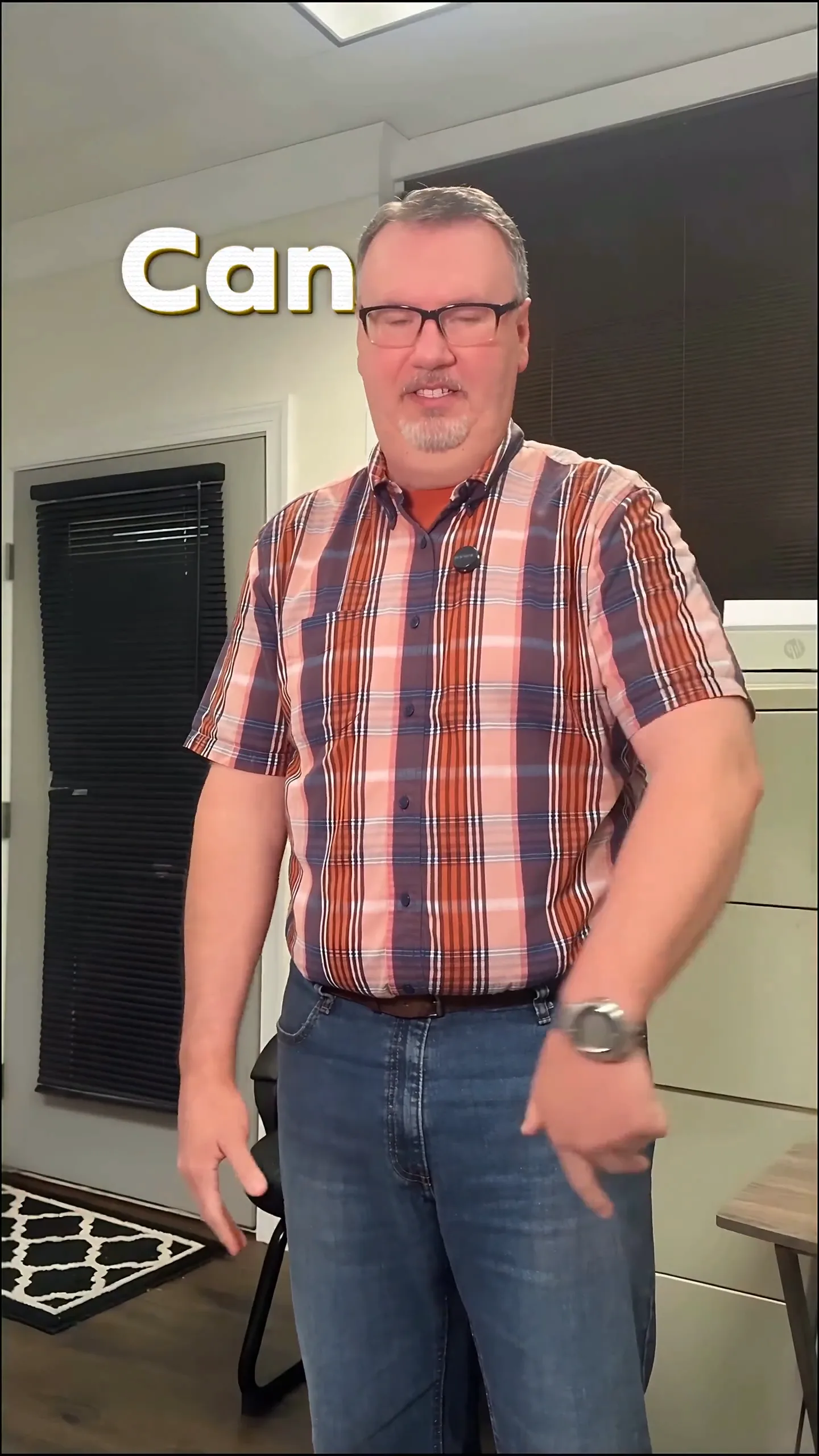
Here’s an example of how a dance clip can come alive with a music edit app:
A Note on Music Rights
When using a music edit app, be mindful of copyright and rights. Always use songs you own, have a license for, or royalty-free music. Platforms vary in their rules, especially regarding monetization; it's smart to check the guidelines of the platform you’re posting on. This way, you can create amazing edits while respecting the rights of artists and content creators.
Get Started Today
Ready to elevate your content? Try Sleepy Motion, the best music edit app, to create stunning dynamic edits that resonate with your audience. With easy uploads, automatic lyric syncing, and powerful effects, you can make videos that stand out without the need for complicated software.
For more details, visit the lyric video maker and start creating today!
Make it yourself with Sleepy Motion
Describe the vibe, then add your song or clip on the next step.