
How to Get Beat Synced Lyrics Automatically for Your Edits
Quickly create stunning lyric videos with beat-synced lyrics that match your song perfectly, all without complex software.
Creating beat-synced lyrics automatically is easier than ever with the right tools. Whether you're a short-form creator on TikTok or Instagram, or you just want to make engaging content for YouTube, you can have your lyrics sync perfectly with the music in no time. Here’s how to do it step by step.
What Does Beat Synced Lyrics Automatically Mean?
Beat-synced lyrics refer to the automatic alignment of your song's lyrics with the rhythm and beats of the music. With the right tools, you can upload a song, and the software will transcribe the lyrics and sync them to the music. This means you'll get a polished lyric video without spending hours on editing.
How Do I Get Started with Automatic Syncing?
- Choose Your Song: First, select the audio track you want to use. You can easily upload your own audio file. Remember, it’s important to use music that you own, or have permission to use, to stay on the right side of copyright.
- Upload Your Audio: Use the lyric video maker to drop in your song. This platform supports automatic synchronization, transcribing the lyrics in over 90 languages.
- Add Your Lyrics: You can either let the engine transcribe the lyrics automatically or paste them directly for perfect accuracy. The tool even allows you to choose how many words appear at a time—1 to 4 per screen. This can help cater the viewing experience to your audience’s preference.
What Are the Available Modes for Edits?
After uploading your audio and lyrics, you can choose from several modes to enhance your video:
- Visualizer Mode: This mode creates a visualizer that reacts to the beat of the music. The lyrics can either be placed behind these visuals or overlaid on top for a classic look.
- Masked Edits: If you decide to upload a video instead of just audio, you can create masked edits. This feature allows the subject in your video to be transformed into a silhouette filled with audio visualizations, keeping the focus on the music while maintaining anonymity.
Example for Short-Form Creators
Imagine you have a dance clip where the dancer is performing to a catchy beat. You upload the clip and your song, and the software automatically syncs the lyrics with the rhythm of the dance. You opt for the masked edit, transforming the dancer's figure into a vibrant silhouette filled with audio-reactive visuals. The result? A unique, captivating short video that stands out on social media platforms like TikTok, all while keeping your identity faceless.
#### Try it Out!
To see how it works, here’s a quick example of using masked edits:
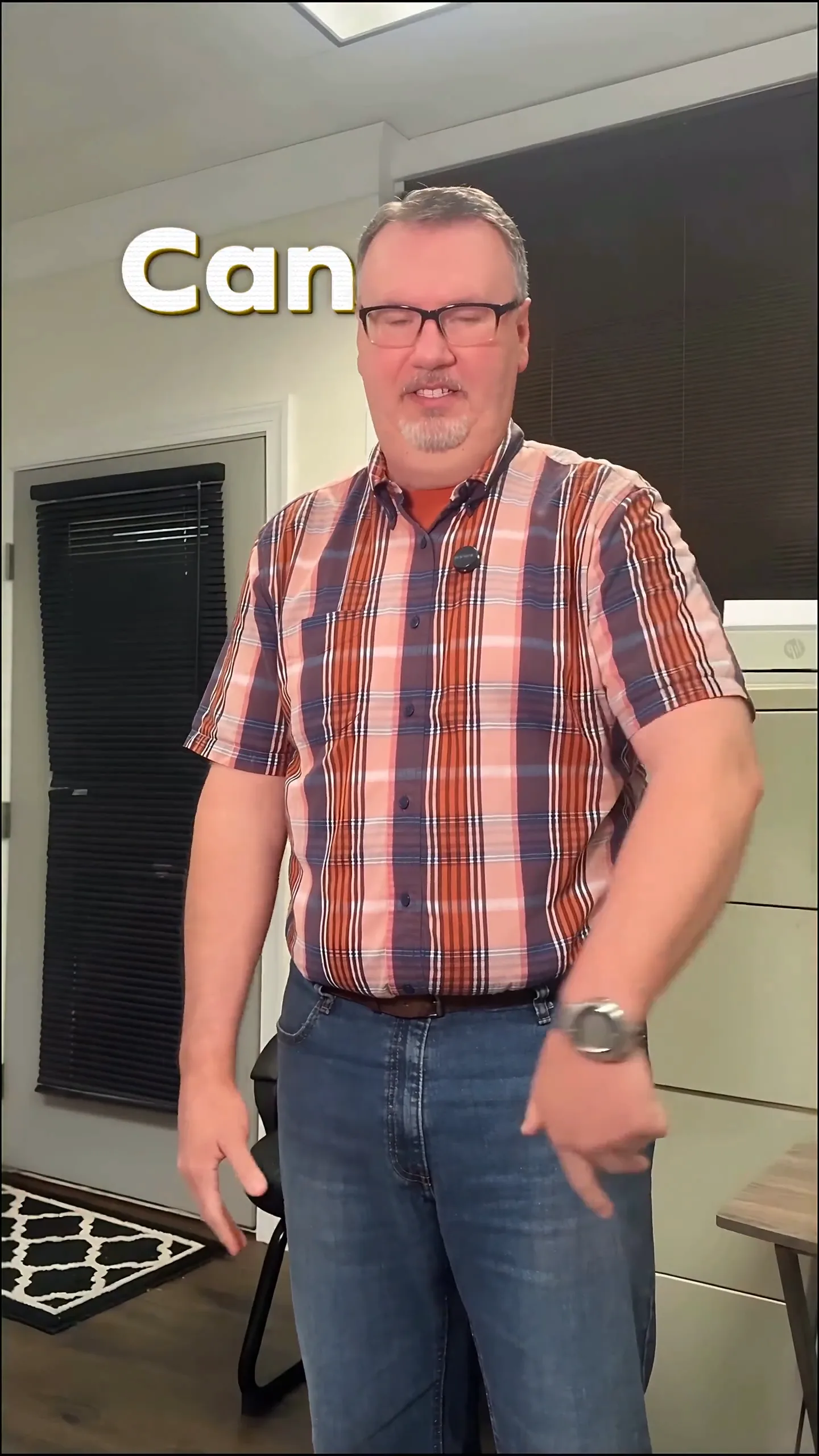
With this type of edit, not only do you have your lyrics synced automatically, but your footage is transformed into a creative masterpiece that’s perfect for sharing.
Plan your edit
Describe the vibe, then add your song or clip on the next step.
Tips for Adding Post-Processing Effects
Once your lyrics are synced, you can take your edit to the next level with post-process effects. You can apply high-quality shaders and dynamic looks like halftone or VHS effects. This is ideal for faceless edits as it allows you to stylize the background, the subject, or both, depending on your creative vision.
Why Use Beat Synced Lyrics for Your Videos?
Using beat-synced lyrics elevates your content’s engagement. Short-form creators often rely on quick, impactful visuals to catch their audience's attention. By syncing lyrics to the beat, your videos not only look professional but also resonate more with viewers, making them more likely to share or engage with your content.
A Note on Music Rights
When creating lyric videos or music edits, it's crucial to respect copyright. Always use music that you have the rights to or that is royalty-free. Platforms may have different rules about what content can be used, especially if you plan to monetize your video. Familiarize yourself with your chosen platform's copyright policies to avoid potential issues.
In Conclusion
Creating beat-synced lyrics automatically for your music edits can significantly enhance your video content without requiring extensive editing skills. By following these steps, you can create engaging, dynamic lyric videos that will captivate your audience in just a few clicks. Don’t forget to explore the lyric video maker to get started today!
Frequently Asked Questions
What is the fastest way to create a lyric video?
Use an online lyric video maker to upload your song and sync the lyrics automatically.
Can I make a lyric video without showing my face?
Yes, you can use masked edits to turn your footage into a faceless silhouette filled with visuals.
How long should a lyric video be?
Typically, lyric videos are best kept between 30 to 90 seconds to maintain viewer engagement.
How does automatic lyric syncing work?
Automatic lyric syncing transcribes your lyrics and syncs them to the music’s rhythm for a polished video.
What types of effects can I add to my video?
You can add beat-reactive effects, overlays, and color grades to enhance your lyric video.
What should I know about music rights for my edits?
Always use music you own or have permission for, and check platform policies to ensure compliance.
Make it yourself with Sleepy Motion
Describe the vibe, then add your song or clip on the next step.