

Make Videos Without Showing Your Face: Here's How
Learn to create engaging videos without showing your face using music visualizers and lyric videos. Start making faceless content today!
Creating videos without showing your face is not only possible but also a popular way to engage audiences across platforms like TikTok and YouTube. You can use music visualizers or lyric videos to maintain your anonymity while still delivering captivating content. Here’s how to get it done today.
What Tools Do I Need to Make Faceless Videos?
To start making videos without showing your face, you’ll need a couple of essentials:
- Audio: This can be your music, a licensed track, or royalty-free audio.
- Visual Content: You can use your own footage, or opt for images and videos generated automatically.
- A Video Editor: This is where Sleepy Motion enters the picture. With its intuitive interface, you can create stunning faceless videos in minutes.
How Do I Create a Lyric Video or Music Visualizer?
Step 1: Upload Your Song
First, choose a song that resonates with your intended audience. Once you have your audio ready, upload it to Sleepy Motion. The platform supports up to 35MB of audio, allowing you to create engaging visuals around it.
Step 2: Add Lyrics
If you have specific lyrics in mind, you can paste them directly into the editor. For automatic lyrics, Sleepy Motion supports transcriptions in 90+ languages. You also have the option to choose how the lyrics are grouped, ranging from one to four words per screen, creating a rhythm that complements your music.
Step 3: Choose Your Visual Mode
Sleepy Motion offers various visual modes that cater to different needs:
- Visualizer: This mode creates dynamic, animated visuals that respond to the beat of your audio, giving a vibrant backdrop.
- Visualizer + Cover: Enhances the visual experience by adding a cover image.
- Masked Edits: If you have a video, you can upload it for masked editing. This allows your subject to be transformed into a silhouette filled with dynamic visuals or have the background replaced with a visualizer.
Plan your edit
Describe the vibe, then add your song or clip on the next step.
Examples of Faceless Content
Let’s look at some practical examples:
- Short-Form Music Edits: Create short edits showcasing dance clips or artistic visuals. The beat-reactive effects can hit on bass beats, creating an engaging visual atmosphere.
- Anonymous Storytelling: Use stock footage or your own clips and transform them into faceless videos where only certain elements come alive with movement and color.
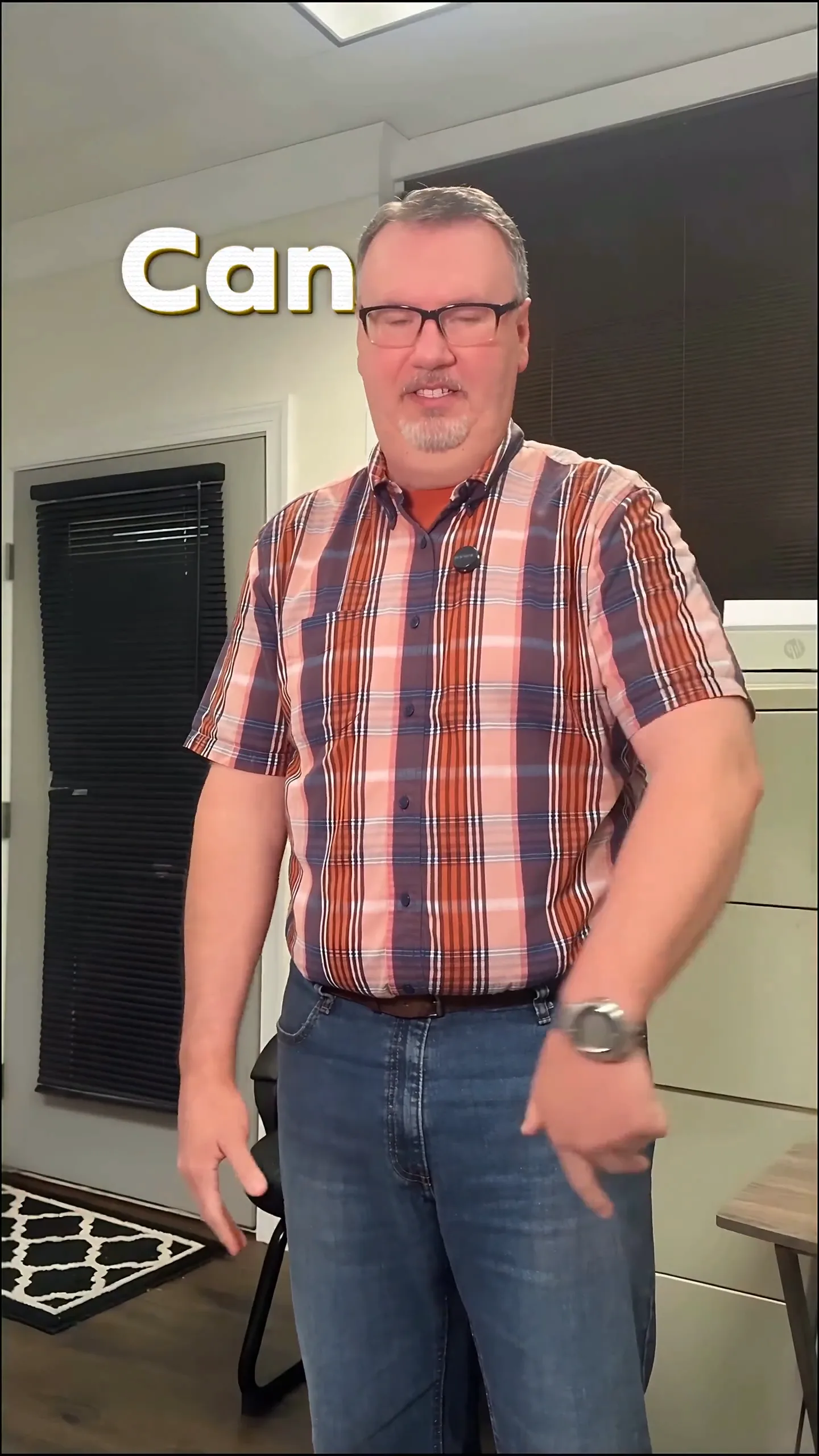
Here’s an example of a faceless edit that highlights how the subject becomes a silhouette filled with visuals while everything around them responds to the music:
Adding Post-Process Effects
After creating your initial video, consider enhancing it with post-process effects. Sleepy Motion allows you to apply high-quality shaders and dynamic looks, such as:
- Glitch Effects: Make your video feel modern and edgy.
- Liquid Glass Deformers: Create a dreamy effect that makes visuals appear fluid.
- Color Grades: Add a VHS or old film look for a nostalgic vibe.
Using these effects can help you target either the subject or background, giving you ultimate control over the look of your video. For example, you could stylize just the background while keeping your subject in focus, making for a visually striking edit.
A Note on Music Rights
When creating faceless content, it’s crucial to respect copyright laws. While you can create transformative edits, ensure that you use music that you own, have a license for, or is royalty-free. Remember, different platforms have their own content policies, especially regarding monetization. Always check the rules related to music and video rights on the platforms you intend to use.
Wrap-Up: Start Making Faceless Videos Today
Creating videos without showing your face can be both fun and rewarding. Whether you want to engage with your audience through music or storytelling, tools like Sleepy Motion make it easy to craft stunning content that captures attention. With the options of visualizers and unique effects, you can create something truly eye-catching. Ready to dive in? Check out the lyric video maker and start your journey today!
Frequently Asked Questions
How can I make videos without showing my face?
You can create lyric videos or music visualizers that focus on visuals and audio, using tools like Sleepy Motion.
What are music visualizers?
Music visualizers create animated graphics that react to the sound of your chosen audio, enhancing the overall experience.
Can I use my own footage for faceless content?
Yes, you can upload your own videos and use Sleepy Motion's masking features to create faceless edits.
What rights do I need for music in my videos?
Use music you own, licensed tracks, or royalty-free audio. Always check platform rules on music rights.
How do I create a lyric video?
Upload your song, enter the lyrics, and select your visual modes in Sleepy Motion to create your lyric video.
Can I repurpose existing content into faceless videos?
Absolutely! You can turn any footage into a faceless edit, using dynamic effects and masking features.
Make it yourself with Sleepy Motion
Describe the vibe, then add your song or clip on the next step.