



Text Animation for Reels: Quick and Easy Guide
Learn how to create captivating text animations for your reels in minutes. Get started today with this simple guide!
Creating captivating text animations for your reels can elevate your content instantly. With the right tools, you can animate text in engaging ways that grab attention and add flair to your videos. In this guide, you'll learn how to craft stunning text animations effortlessly, no prior experience needed.
What is Text Animation for Reels?
Text animation refers to the movement and styling of words in a video. This can include effects such as fading, sliding, bouncing, or morphing text to add a dynamic visual element to your content. For reels, where the first few seconds determine viewer retention, eye-catching text animations are essential.
How to Animate Text in a Video
Here’s how you can animate text for your reels in just a few simple steps:
- Choose an Animation Tool: Use an easy-to-navigate tool like the animated text video maker to create your animations without needing to be a design expert.
- Select Your Text Style: Choose the font, color, and size of your text to fit your brand or the vibe of your reel. Options are often provided that match your content’s theme.
- Pick Your Animation Style: Use presets for one-tap animation effects. Options like fades, bounces, or even more whimsical animations can be applied automatically, saving you precious time.
- Add Background and Effects: Enhance your text animations by including background visuals, sound effects, and music. This combination adds depth and context to your message.
- Preview and Adjust: Always preview your text animation to ensure it flows well with the video. Make adjustments to timing and effects as needed for the best results.
Make this video now
Write your own, or start from the example. Ready in about 2 minutes.
Best Ways to Use Text Animation in Reels
- Highlight Key Messages: Use animated text to emphasize important points in your story. This helps viewers grasp your message quickly.
- Engage with Questions: Animate questions in your reels to provoke thought or engagement from viewers. For example, "What's your favorite summer activity?" can prompt responses.
- Showcase Offers or Promotions: If you’re announcing a sale or promotion, animated text can make this stand out. Animations draw attention and can increase conversion rates.
Examples of Captivating Text Animations for Reels
Let’s look at a couple of examples:
- Fading Text Animation: This effect gradually reveals your text, creating an air of suspense. Perfect for storytelling.
- Sliding Text Animation: The text enters from the side, adding a dynamic feel that can be very engaging for viewers.
See It in Action
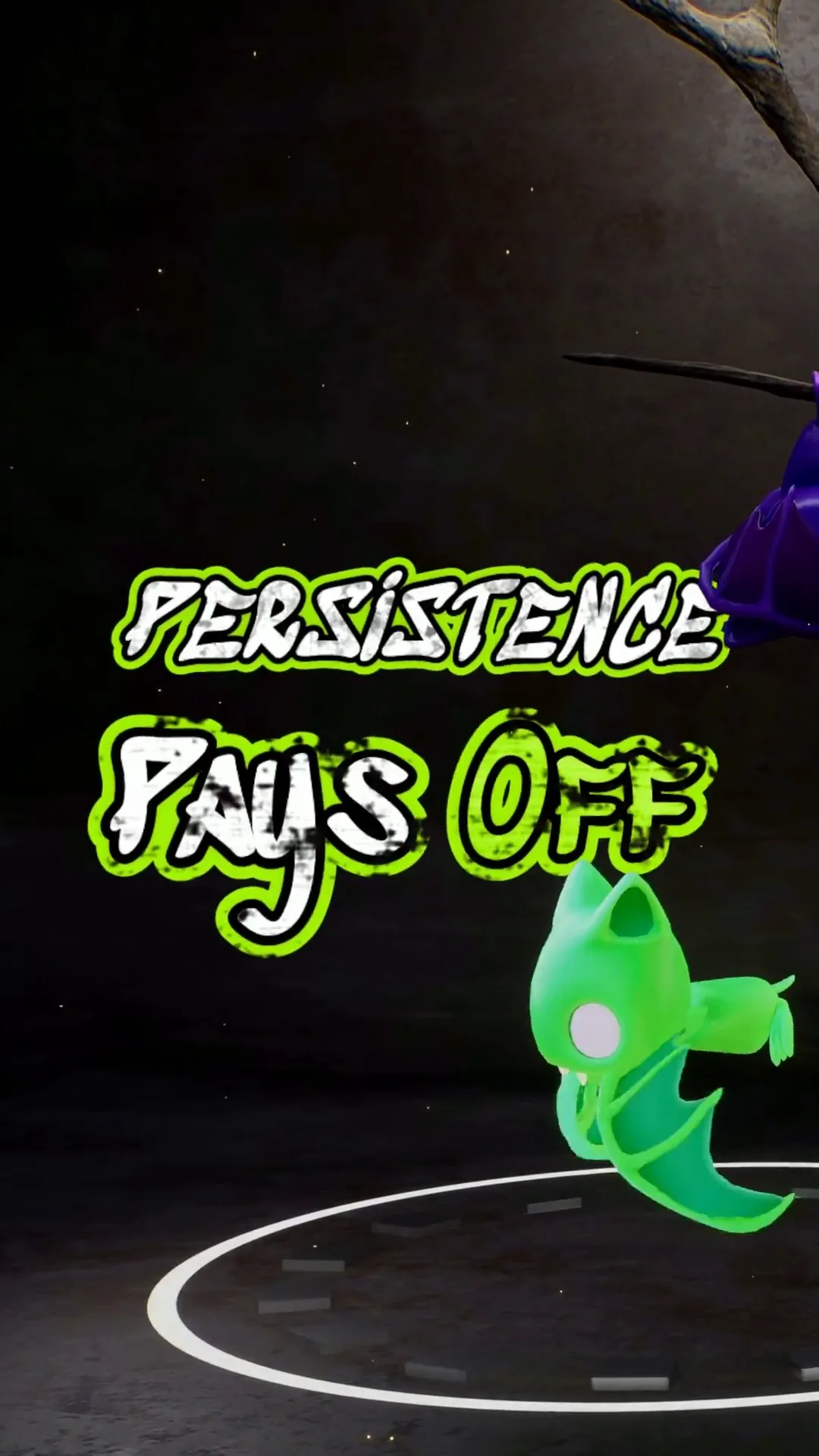
To give you an idea of what's possible, here’s a video created using a preset for animated text. The animation captures attention and hits all the key points quickly, perfect for social media content:
Why Use an Animated Text Video Maker?
An animated text video maker simplifies the entire process. You can go from concept to finished reel in just a few minutes, which is ideal for busy creators. These tools often come equipped with features that automate sound syncing, transitions, and effects, allowing you to focus on content rather than technical details.
Final Thoughts
Animating text for your reels doesn’t have to be complicated. By using a straightforward animated text video maker, you can add professional-looking effects to your videos quickly. The next time you're preparing a reel, remember the impact that well-animated text can have on your audience.
Start creating your animated text for reels today with just a few clicks. Elevate your content and engage your audience effectively!
Get started with the animated text video maker today!Frequently Asked Questions
How can I create text animation for reels?
Use an animated text video maker to easily add effects to your text. Choose presets and customize styles for quick results.
What are the best text animation styles for reels?
Popular styles include fading, sliding, and bouncing text. These styles engage viewers and highlight key messages.
Can I animate text for free?
Yes, many animated text video makers offer free plans with limited features, allowing you to create basic animations without cost.
How long should text animations be for reels?
Keep text animations short and impactful, ideally 1-3 seconds, to maintain viewer interest and fit the reel format.
Make it yourself with Sleepy Motion
Write your own, or start from the example. Ready in about 2 minutes.