
SleepyMotionvs
CapCut.
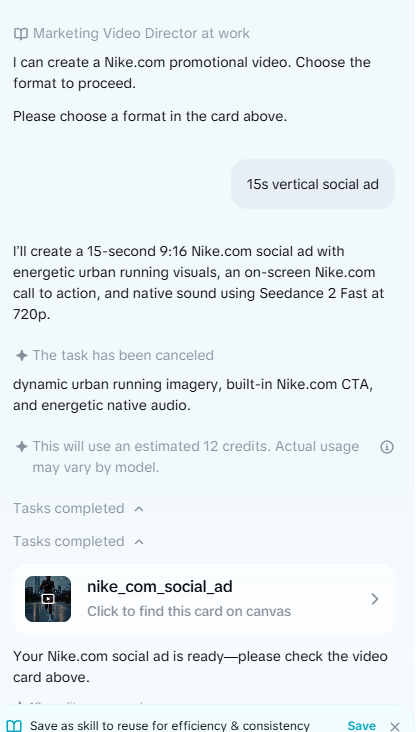
CapCut is a full video editor: you build the effect, layer by layer. Sleepy Motion builds it for you: captions behind the subject for a whole video, or an ad from just your website. We typed “make an ad for nike.com” into both and show you exactly what came back, with a source for everything we say about CapCut.
The short answer
Pick Sleepy Motion if
- You want captions behind the subject without building layers
- You want a branded ad from just your website
- You would rather describe the video than edit it
Pick CapCut if
- You want to edit every cut yourself on a timeline
- Your videos run longer than 2 minutes
Same sentence, both tools
“make an ad for nike.com”, typed into both on October 25, 2026. Nothing else set, nothing uploaded.
 Sleepy
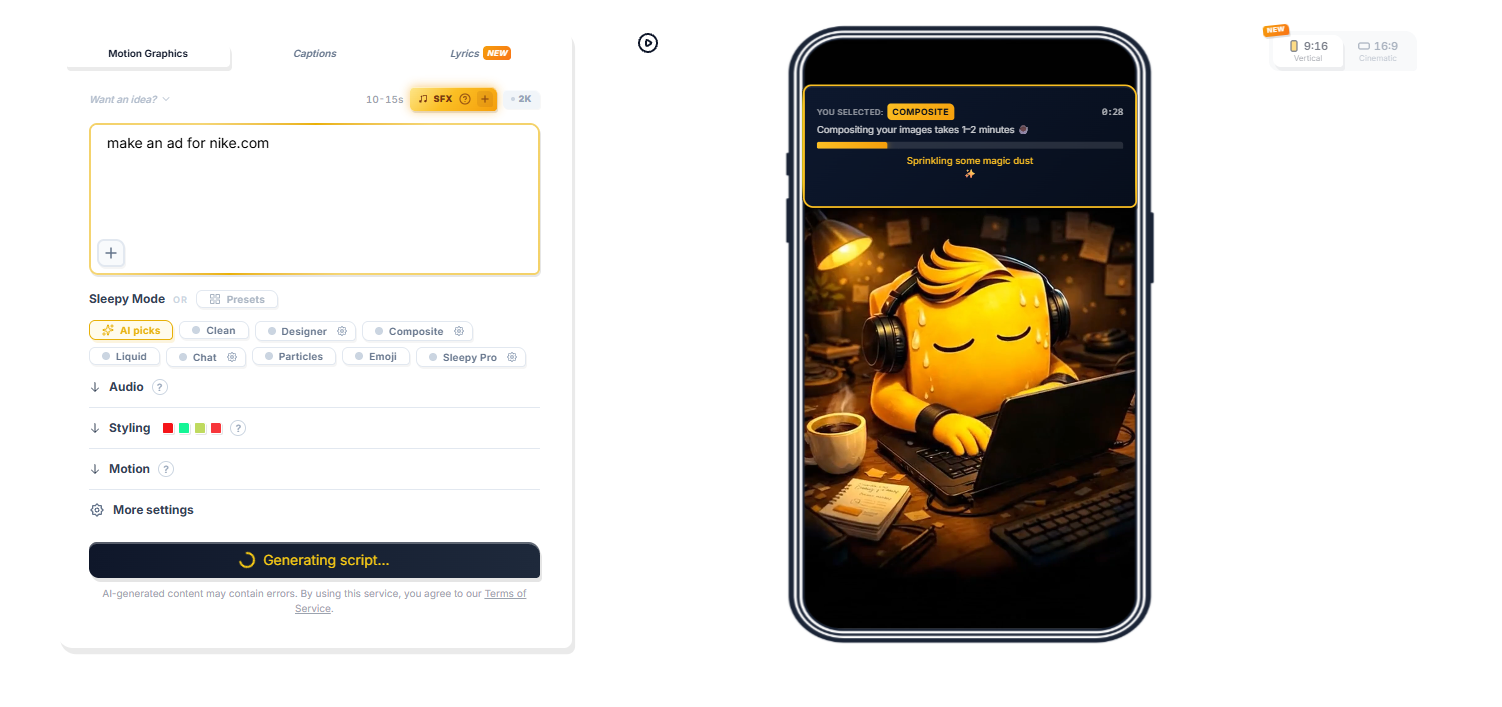 The prompt, as typed ↗
 CapCut
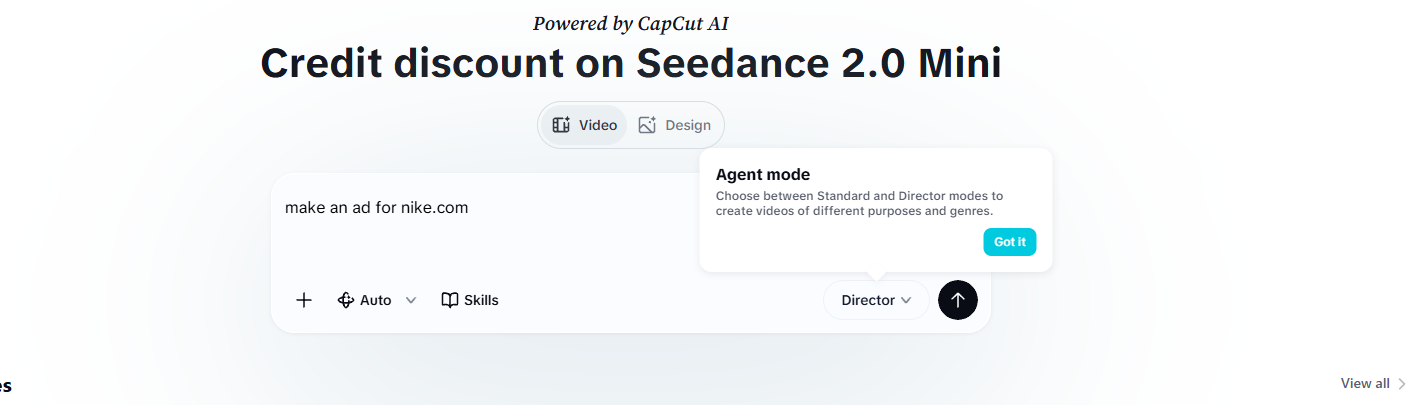 The prompt, as typed ↗
What we saw in CapCut
Screenshots from our test on October 25, 2026. Tap one to see it full size.
Side by side
- "make an ad for nike.com"
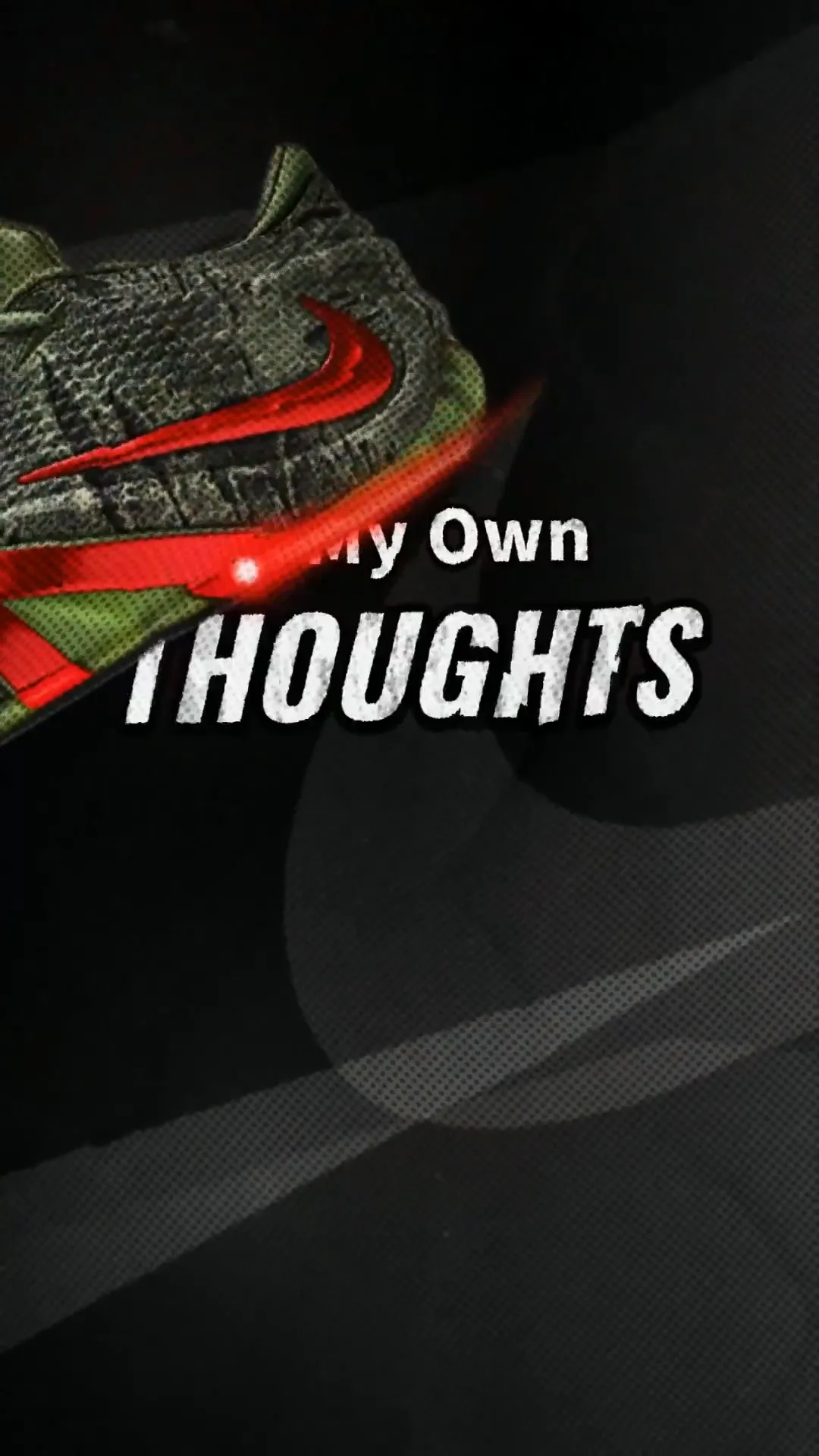
- Sleepy MotionA 10-second ad: Nike shoes from the site cut out and animated, animated text all the way through, paper and halftone effects, the swoosh and a NIKE.COM end card.
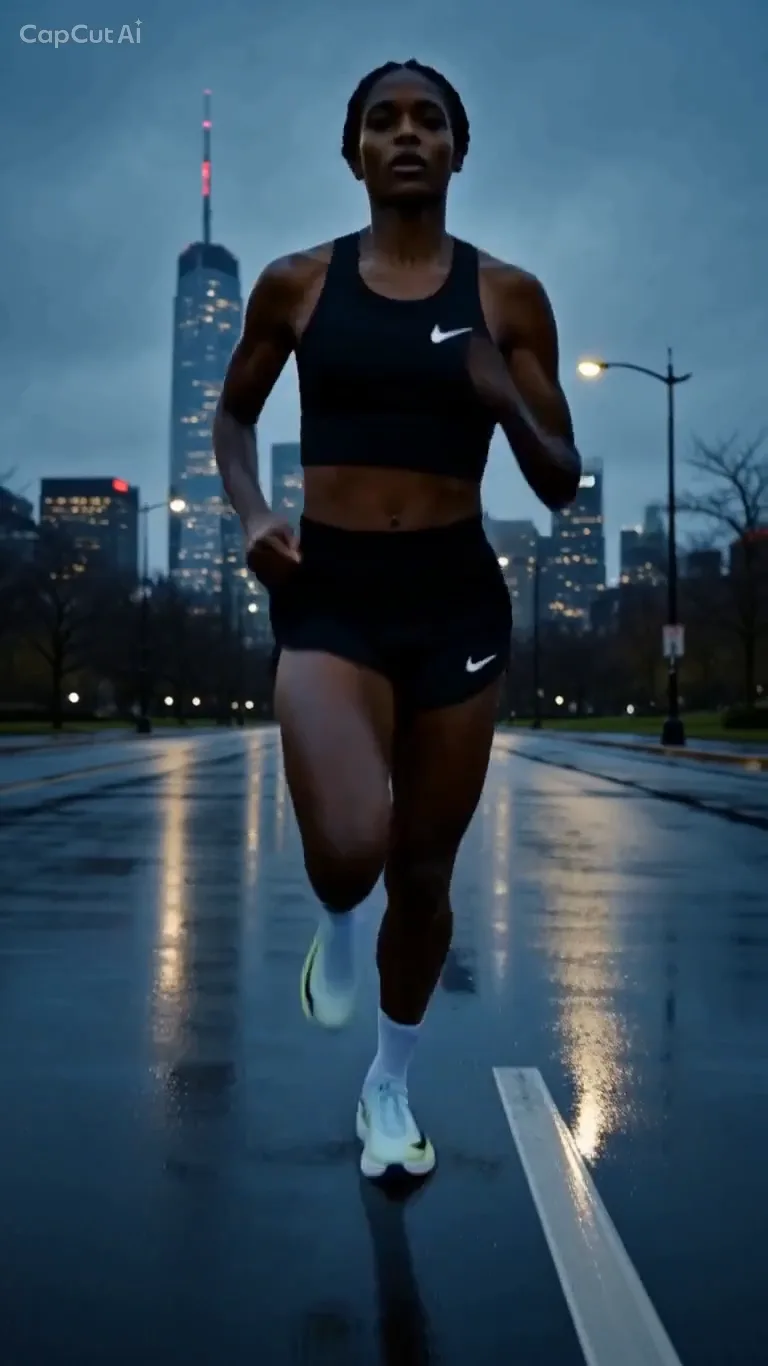
- CapCutAfter a short chat, a 15-second clip made "using Seedance 2 Fast at 720p", in its own words: one AI-generated woman running at night. The only text is NIKE.COM at the end, with a CapCut watermark.[4]
- How the ad is made
- Sleepy MotionNot a middleman. Sleepy's own engine reads the site, writes the script, cuts out the products and times every word and sound.
- CapCutPassed to a video model, in its own words "using Seedance 2 Fast at 720p", and the clip handed back with NIKE.COM added at the end.[4]
- A story
- Sleepy MotionA script with a message, told on screen: "My feet", "my own thoughts", "lace up", "energy surges", "the feet hit, the rhythm drowns out", then "chasing greater".
- CapCutNo words on screen until NIKE.COM at the very end.[4]
- Sound
- Sleepy MotionMusic and sound effects synced to the motion, to the millisecond, and voiceover in 22 languages, your own cloned voice included.
- CapCutIn the same test: background music and a voiceover that garbled the brand name.[4]
- Captions behind the subject
- Sleepy MotionAutomatic, for the whole video. Every word is transcribed, timed and placed around the subject, from one upload.
- CapCutBuilt by hand: duplicate the clip, run Auto removal on the copy, then position the text yourself.[1]
- Who places each word
- Sleepy MotionSleepy decides each word: where it goes, how big, how it wraps around the subject.
- CapCutYou do. The guide says to "position it where you want it to appear behind the person".[1]
- Your brand
- Sleepy MotionTaken from your website by itself: logo, font, brand colors, photos and tone.
- CapCutIts product-link ads run in Pippit, a separate app, from a single product page: pictures, titles, descriptions and brand colors. Logo and font are not mentioned.[2]
- Price
- Sleepy MotionFree plan. Paid plans from $5 a month.
- CapCutPro is $19.99 a month on the US App Store, and the price varies by region.[3]
- Free plan
- Sleepy Motion3 videos a month, captions behind the subject included on videos up to 15 seconds, watermarked.
- CapCutA free plan with limits, for example 5 background removals a month.[3]
Already have an AI clip? Finish it in Sleepy.
A generated shot looks good but says nothing. Bring it into Sleepy Pro and it builds the text, the story and the sound into the scene: words that walk through it, timed to a script, with sound effects to the millisecond. The best of AI, finished like a human editor would.
See how Sleepy Pro works Sleepy Pro
Don't take our word for it
These came straight out of Sleepy Motion: no layers, no cutout step, no text dragged into place. The captions are on Free for videos up to 15 seconds, so the fastest way to check is to try it on your own video.
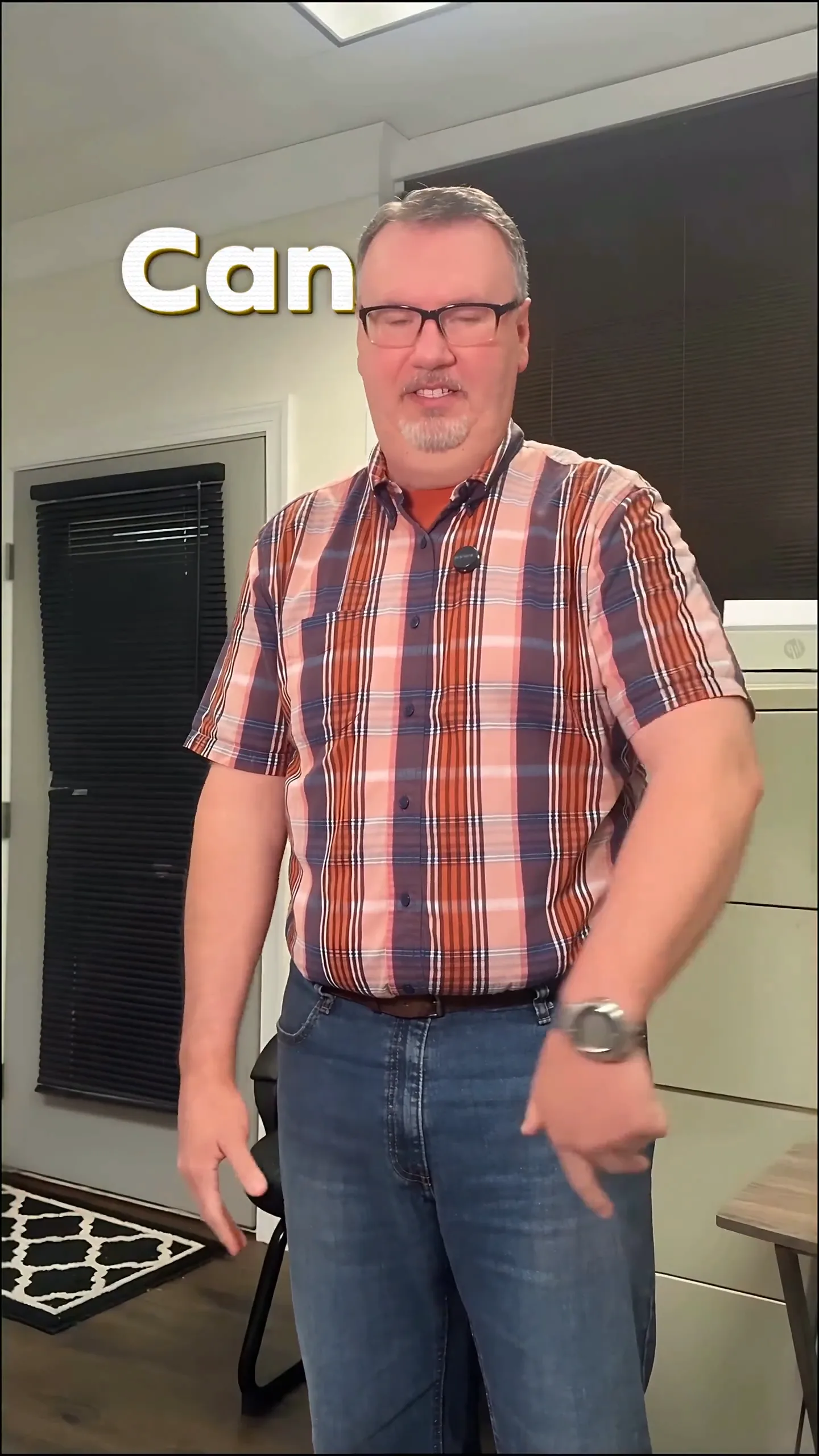 One upload
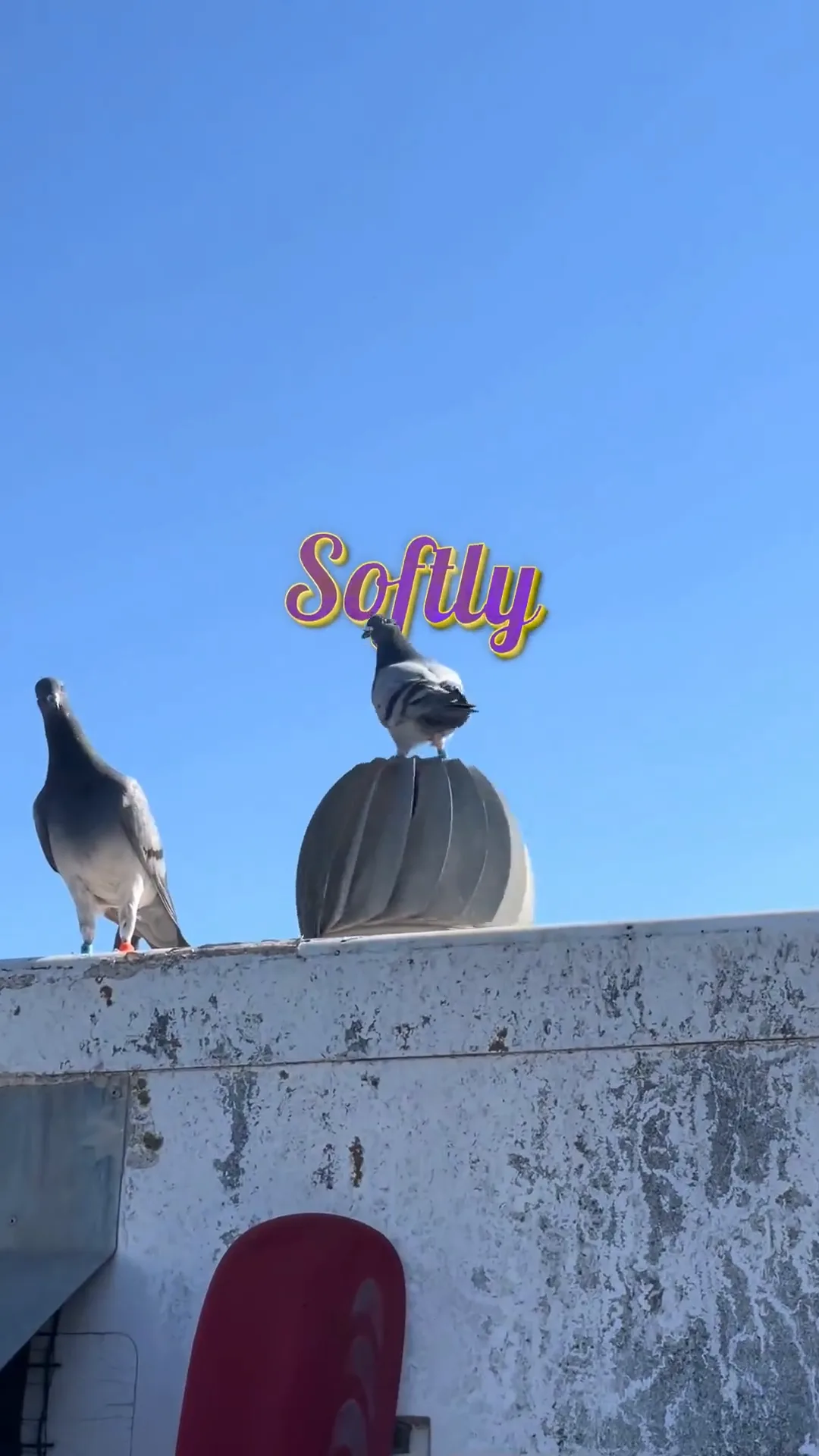 Any subject
Questions
Is Sleepy Motion better than CapCut for text behind the subject?
For doing it automatically, yes. In CapCut you duplicate the clip, cut the person out and position the text yourself, per CapCut's own guide. Sleepy Motion captions the whole video behind the subject from one upload: every word transcribed, timed and placed around the subject.
Can CapCut make an ad from my website?
We tried. On October 25, 2026, "make an ad for nike.com" in CapCut's AI agent gave, after a short chat, a 15-second AI-generated clip of a woman running at night, made "using Seedance 2 Fast at 720p" in its own words. The only text was NIKE.COM at the end, and the voiceover garbled the brand name. The same sentence in Sleepy Motion gave a 10-second ad with Nike shoes from the site, animated text, the swoosh and a NIKE.COM end card.
Is CapCut free?
CapCut has a free plan with limits, like 5 background removals a month. Pro is $19.99 a month on the US App Store and varies by region. Sleepy Motion has a free plan too, with captions behind the subject on videos up to 15 seconds, and paid plans from $5 a month.
Can I use both?
Yes. You can make the captions or the ad in Sleepy Motion and do the final cut in CapCut. Downloads are plain MP4 files that open in any editor.
Sources
Checked on October 25, 2026.
- [1] CapCut: How to put text behind a person in CapCut
- [2] CapCut: Turn any product link into a professional video ad
- [3] AllAble: CapCut pricing 2026
- [4] Our test, October 25, 2026: "make an ad for nike.com" typed into CapCut's AI agent and into Sleepy Motion
Want the details? How text behind the subject works. How a website becomes an ad.