
SleepyMotionvs
Kapwing.
Kapwing is a timeline editor in your browser with AI on top. We typed the same sentence into both: “make an ad for nike.com”. Sleepy Motion gave a 10-second ad. Kapwing gave a 5-second clip with no text and a watermark. Here is what each one delivers, with a source or a dated test for everything we say about Kapwing.
The short answer
Pick Sleepy Motion if
- You want a finished, postable video from one sentence
- You want your brand taken from your website, not set up by hand
- You want music, voiceover and sound effects done for you
- You want captions behind the subject, automatically
Pick Kapwing if
- You already have your footage and want to cut it yourself on a timeline
Same sentence, both tools
“make an ad for nike.com”, typed into both on October 24, 2026. Nothing else set, nothing uploaded.
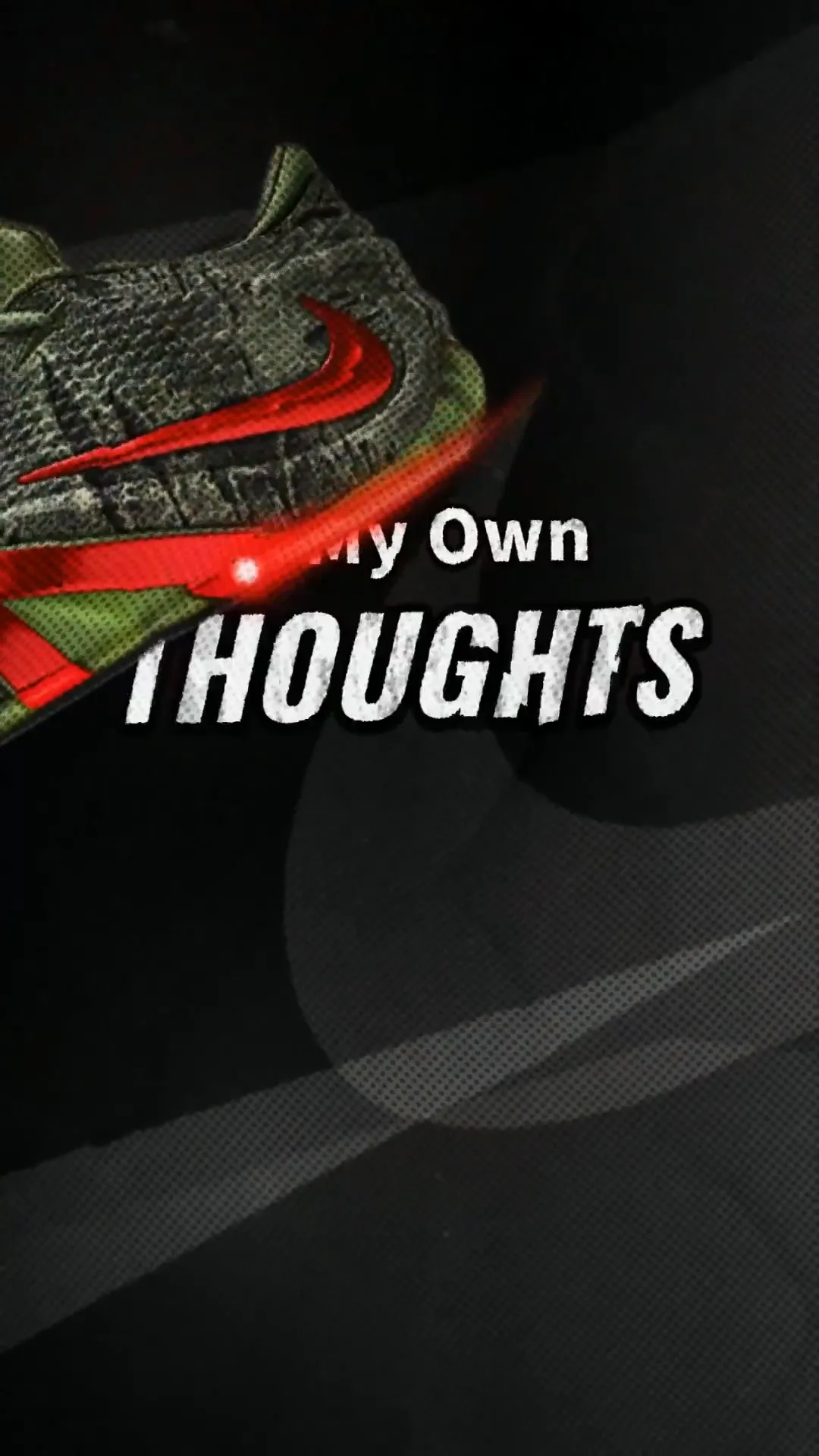 Sleepy
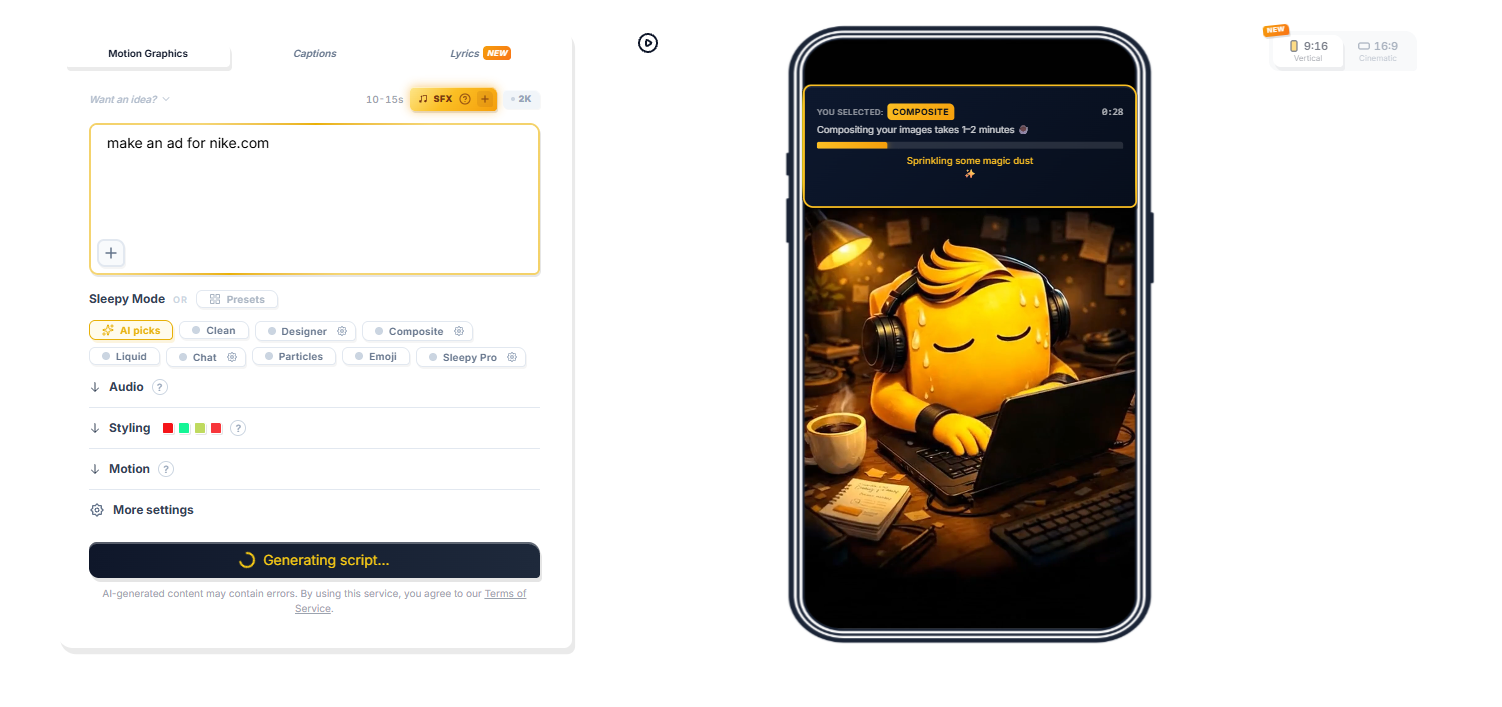 The prompt, as typed ↗
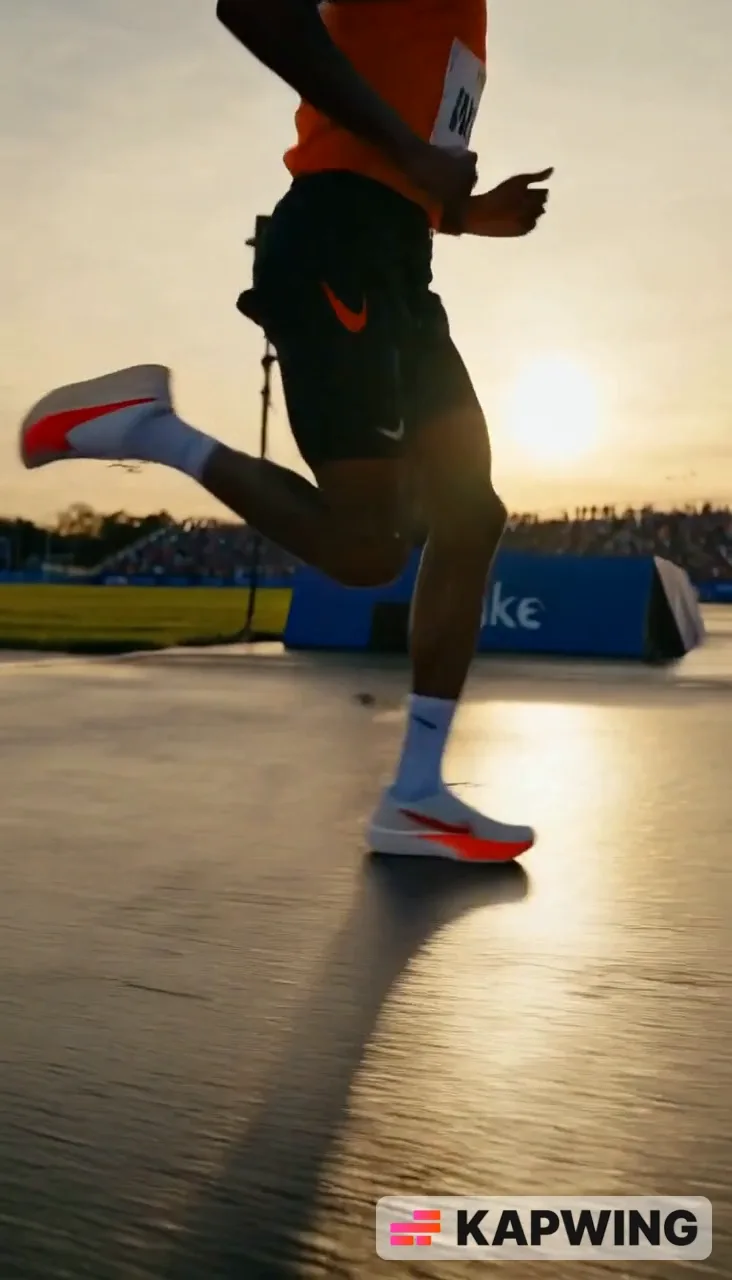 Kapwing
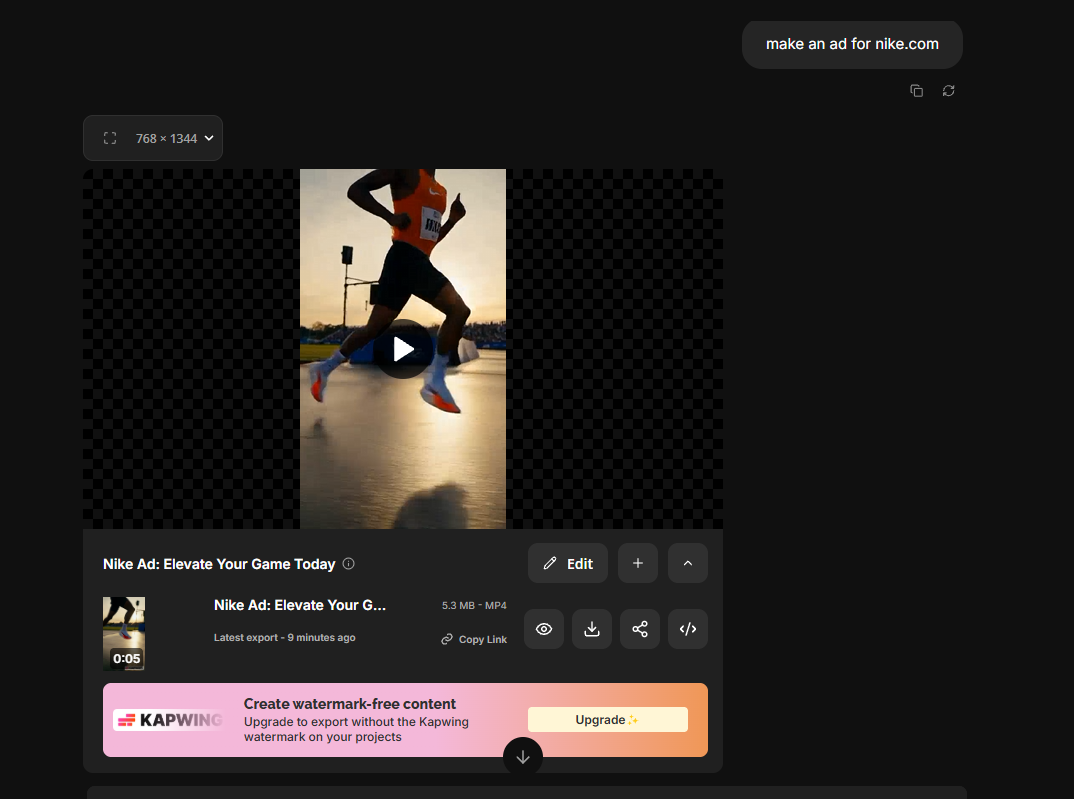 The prompt, as typed ↗
Same sentence, again
We pressed generate one more time in both.
 Take 2
The same runner shot again.
Side by side
- "make an ad for nike.com"
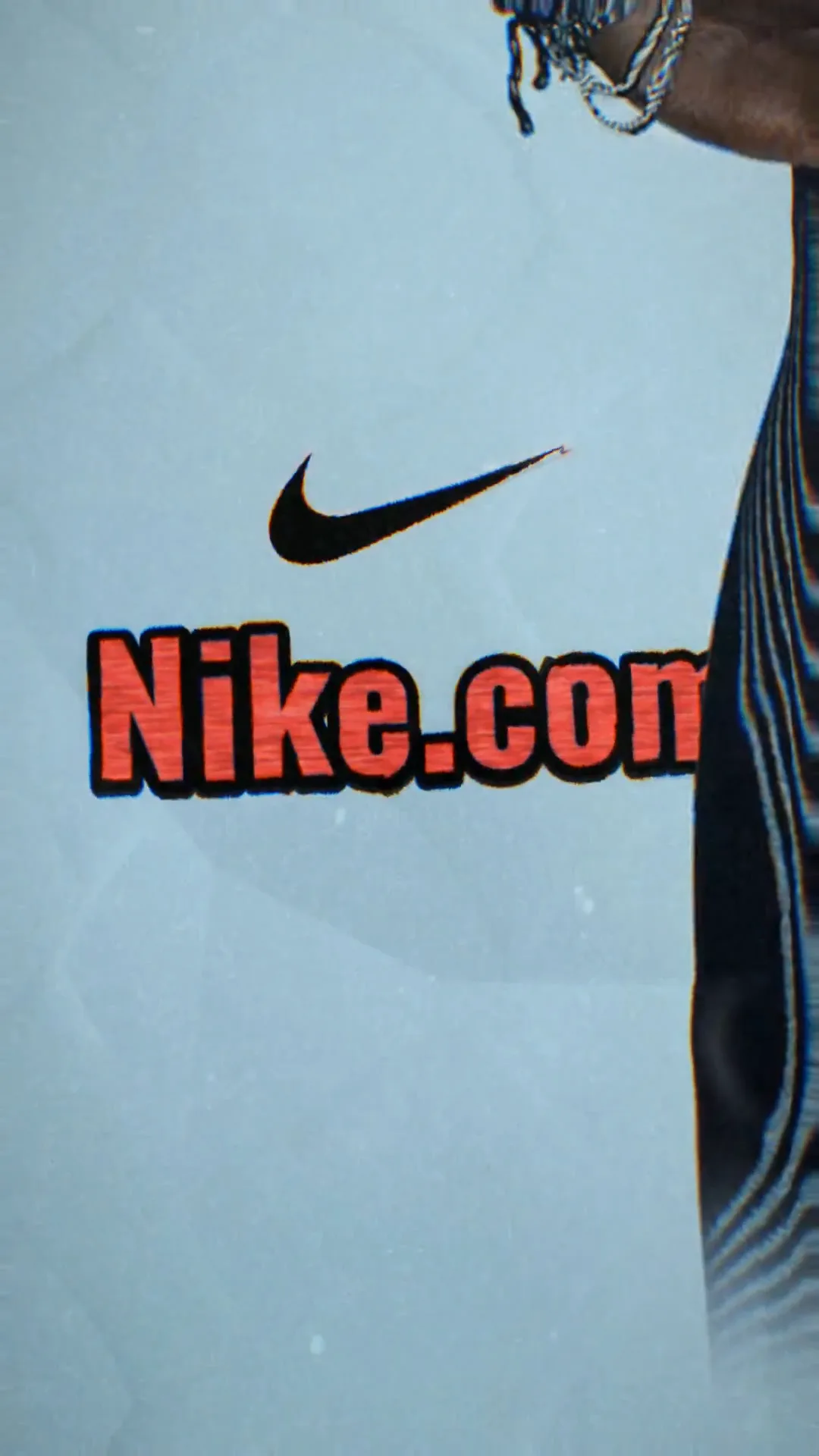
- Sleepy MotionA 10-second ad: Nike shoes from the site cut out and animated, animated text all the way through, paper and halftone effects, the swoosh and a NIKE.COM end card.
- KapwingA 5-second clip of a runner with a wind sound and the logo. No text, no voiceover, no transitions, and a Kapwing watermark.[1]
- How the ad is made
- Sleepy MotionNot a middleman. Sleepy's own engine reads the site, writes the script, cuts out the products and times every word and sound.
- KapwingOne generated shot came back, with nothing built on top: no script, no text, no edit.[1]
- A story
- Sleepy MotionA script with a message, told on screen: the shoes "sit by the door, ready for adventure", have "tackled mud and rain", are "urging me onward". Then "Let's go beyond".
- KapwingNo words at all. A good-looking shot, but nothing to say.[1]
- Generate again
- Sleepy MotionA whole new ad: other photos from the site, other words, other effects. Generate as many as you want.
- KapwingThe same runner shot again.[1]
- Sound
- Sleepy MotionMusic and sound effects synced to the motion, to the millisecond, and voiceover in 22 languages, your own cloned voice included.
- KapwingIn the same test: a wind sound. No music, no voiceover, no sound effects on the motion.[1]
- Text behind the subject
- Sleepy MotionThe whole video's captions, every word transcribed, timed and placed around the subject, while it moves.
- KapwingNot on its pages. Its motion tracking pins text on top, and you draw the path yourself: "click and drag the asset on your canvas to draw a motion path".[2]
- Your brand
- Sleepy MotionTaken from your website by itself: logo, font, brand colors, photos and tone.
- KapwingYou set up a Brand Kit yourself, with your logos, colors and fonts; font uploads are on Pro and Business.[3]
- Free plan
- Sleepy Motion3 videos a month in 1080p, captions behind the subject included on videos up to 15 seconds, watermarked.
- KapwingWatermarked exports in 720p, up to 4 minutes each, with up to 10 minutes of auto-subtitles.[4]
Already have an AI clip? Finish it in Sleepy.
A generated shot looks good but says nothing. Bring it into Sleepy Pro and it builds the text, the story and the sound into the scene: words that walk through it, timed to a script, with sound effects to the millisecond. The best of AI, finished like a human editor would.
See how Sleepy Pro works Sleepy Pro
Don't take our word for it
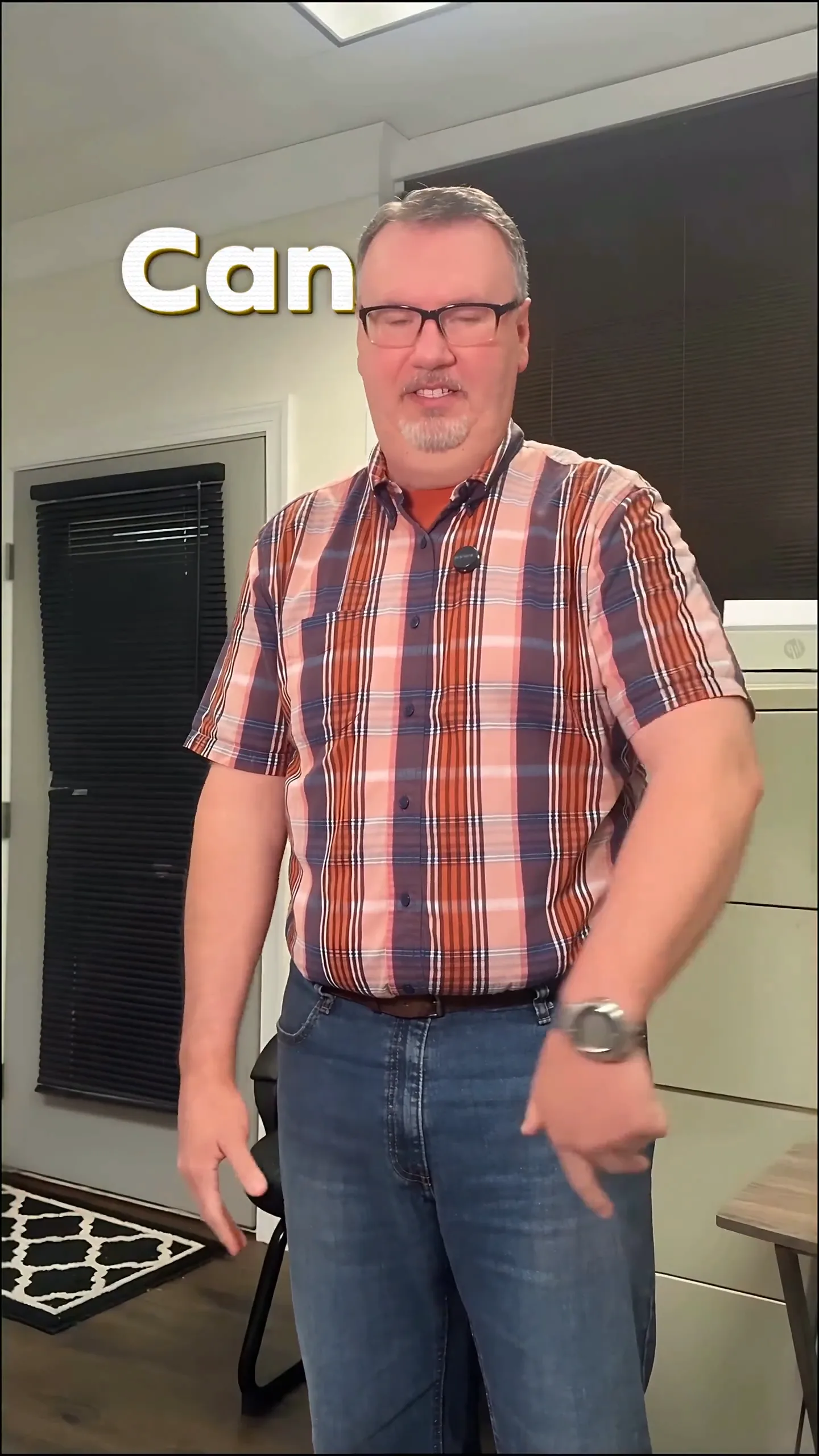
Both came straight out of Sleepy Motion. The ad was made from one sentence and a website, with no footage uploaded: animated text, voiceover, music and the brand from the site. The captions were placed behind the speaker automatically, from one upload.
 From a website
 From your video
Questions
Can Kapwing make an ad from my website?
We tried. On October 24, 2026, "make an ad for nike.com" in Kapwing's AI gave a 5-second clip of a runner with a wind sound and the logo: no text, no voiceover, no transitions. The same sentence in Sleepy Motion gave a 10-second ad: Nike shoes from the site cut out and animated, animated text all the way through, the swoosh and a NIKE.COM end card. Both videos and screenshots of both prompts are on this page.
Can Kapwing put text behind a person?
Not on its pages. Its motion tracking pins text on top of a moving object, and you draw the motion path by hand. Sleepy Motion captions the whole video behind the subject automatically, every word placed around it, while it moves.
Is Kapwing free?
Kapwing has a free plan with watermarked 720p exports up to 4 minutes and 10 minutes of auto-subtitles. Pro is listed at $16 and Business at $50. Sleepy Motion has a free plan with 3 videos a month in 1080p, captions behind the subject included, and paid plans from $5 a month.
Can I use both?
Yes. You can make the video or the captions in Sleepy Motion and finish a longer edit in Kapwing. Sleepy Motion downloads are plain MP4 files.
Sources
Checked on October 24, 2026.
- [1] Our test, October 24, 2026: "make an ad for nike.com" typed into Kapwing's AI and Sleepy Motion, then generated a second time in both
- [2] Kapwing: Motion tracking (pin to moving object)
- [3] Kapwing Help: How to use Brand Kit and Brand Templates
- [4] Kapwing: pricing
Want the details? How text behind the subject works. How a website becomes an ad.