
SleepyMotionvs
Submagic.
Submagic edits the video you already filmed. Sleepy Motion makes the video: from one sentence, from your website, or around your own footage with captions behind the subject. Here is where each one wins, with a source for everything we say about Submagic.
The short answer
Pick Sleepy Motion if
- You need the video made, not only edited
- You want a branded ad from just your website
- You want captions behind the subject, automatically
Pick Submagic if
- You already film and want your footage edited
- You want videos longer than 2 minutes cut into many shorts
Side by side
- What you start with
- Sleepy MotionA sentence or your website. Sleepy makes the whole video: script, motion graphics, voiceover, music and sound effects. Or upload your own video to caption it.
- SubmagicA video you already have: "Upload your video", a long video or a YouTube link. It edits that footage. The one no-filming option is an AI avatar reading a script you paste.[1]
- An ad from your website
- Sleepy MotionType "make an ad for yoursite.com". It takes your logo, font, brand colors, photos and tone and finishes the ad in about 2 minutes.
- SubmagicAds start from your footage: "raw ad footage, a product clip or a customer testimonial". A website as input is not on their site.[2]
- Captions behind the subject
- Sleepy MotionAutomatic, for the whole video. Every word is transcribed, timed and placed around the subject, a person, a pet or a product.
- SubmagicAnimated captions on top of the video. Captions behind the subject and masking are not on their site.[1]
- Price
- Sleepy MotionFree plan. Paid plans from $5 a month.
- SubmagicStarter is $19 a month ($12 a month billed yearly) for 15 videos. Pro $39, Business $69.[3]
- Free plan
- Sleepy Motion3 videos a month, captions behind the subject included on videos up to 15 seconds, watermarked.
- SubmagicNo free plan is listed, only a "Try For Free" trial with no credit card.[3]
Already have an AI clip? Finish it in Sleepy.
A generated shot looks good but says nothing. Bring it into Sleepy Pro and it builds the text, the story and the sound into the scene: words that walk through it, timed to a script, with sound effects to the millisecond. The best of AI, finished like a human editor would.
See how Sleepy Pro works Sleepy Pro
Don't take our word for it
Both came straight out of Sleepy Motion. The ad was made from one sentence and a website, with no footage uploaded. The captions were placed behind the speaker automatically, from one upload.
 From a website
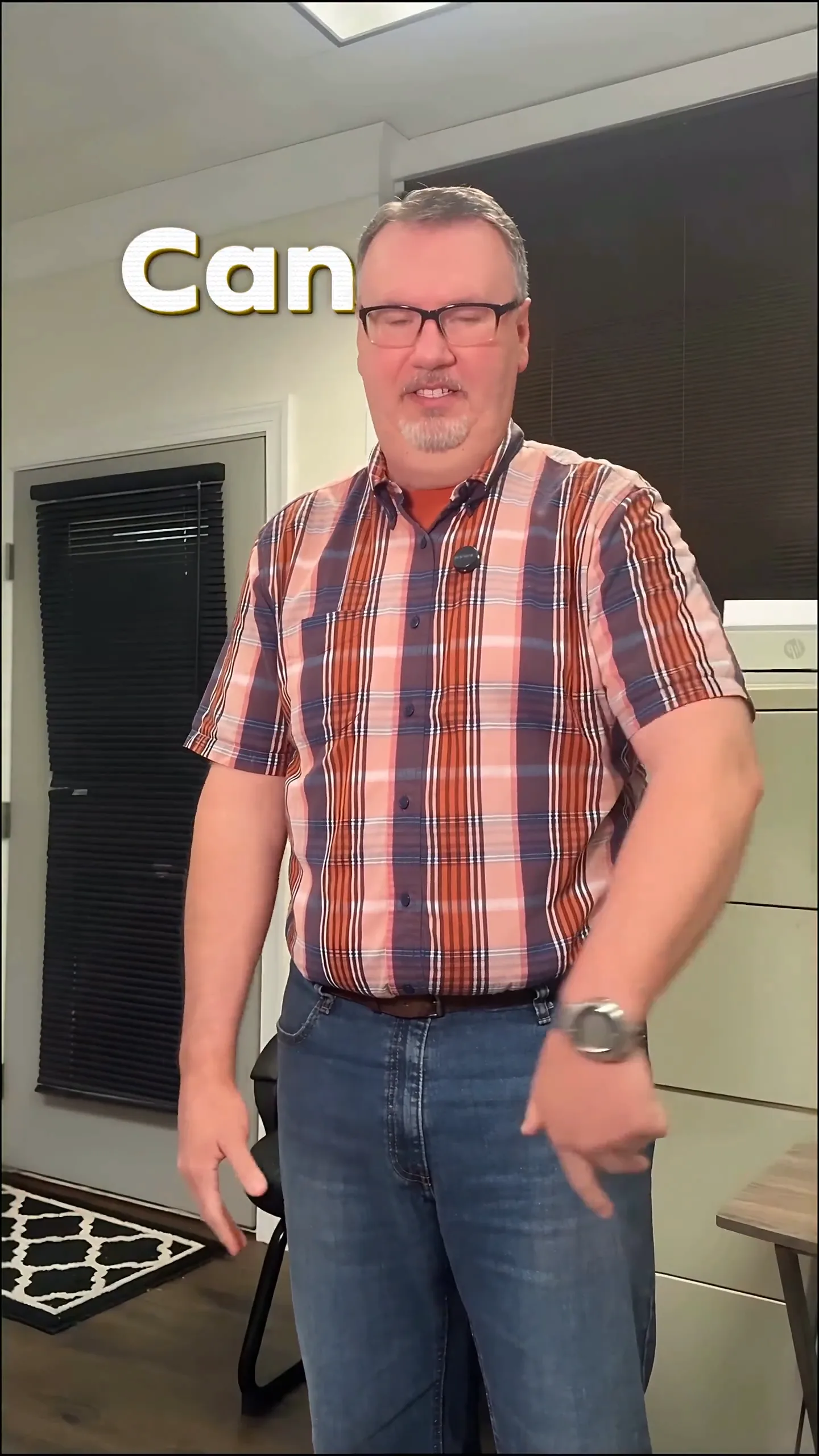 From your video
Questions
Does Submagic make the video for me?
Submagic edits a video you already have: you upload your footage or a YouTube link and it adds captions, B-roll and zooms and trims dead air, per its own site. The one option without filming is an AI avatar reading a script you paste. Sleepy Motion makes the whole video from a sentence or your website, with motion graphics, voiceover, music and sound effects.
Can Submagic put captions behind the subject?
Captions behind the subject are not on Submagic's site; its captions go on top of the video. Sleepy Motion captions the whole video behind the subject automatically, with every word placed around a person, a pet or a product. Free on videos up to 15 seconds.
Is Submagic free?
Submagic's pricing page lists no free plan, only a "Try For Free" trial. Paid plans start at $19 a month, or $12 a month billed yearly, for 15 videos. Sleepy Motion has a free plan with 3 videos a month and paid plans from $5 a month.
Can I use both?
Yes. You can make the video or the ad in Sleepy Motion and run your filmed long-form content through Submagic. Sleepy Motion downloads are plain MP4 files.
Sources
Checked on October 24, 2026.
Want the details? How text behind the subject works. How a website becomes an ad.