



How to Create a Sound Reactive Video for Your Edits
Learn to make a sound reactive video that syncs visuals to your music and engages viewers instantly.
Creating a sound reactive video means turning your music into a visual experience that moves with the beat. With tools like Sleepy Motion, you can easily sync visuals and lyrics to the rhythm of your track, making it a perfect choice for short-form creators looking to elevate their content. Let's break down how you can do this today.
What is a Sound Reactive Video?
A sound reactive video syncs dynamic visuals to your audio, enhancing the experience for viewers. This can include everything from flashy text that pops with the beat to abstract visuals that pulse rhythmically. With Sleepy Motion, you can create these edits in just a few clicks, allowing your creativity to shine.
How to Make a Sound Reactive Video
- Choose Your Audio: Start by selecting a song you own or have permission to use. It could be an original track, a royalty-free piece, or something licensed for your project. The key is to ensure you respect music rights throughout the process.
- Upload Your Audio and Visuals: In Sleepy Motion, you simply drop in your selected song. You can also add visuals, such as cover images or background visuals, but these are optional. If you don’t provide any, the platform will generate suitable visuals for you.
- Syncing Lyrics: You have the option to automatically transcribe lyrics in over 90 languages or paste your own for exact synchronization. Sleepy Motion’s engine automatically aligns the lyrics to the beat, so you’ll have a polished final product without spending hours on editing.
- Choose Your Mode: Decide whether you want an audio-driven edit or a video-driven masked edit. For audio-driven modes, you can select from:
- Visualizer + Cover: Adds your cover art to the visualizer.
- Visualizer + Cover + Background: A fully immersive experience with all elements included.
If you opt for video-driven masked edits, you can upload your own video footage. Here’s where it gets exciting: Sleepy Motion can mask your subject in each frame. You can choose from:
- Masked Light: Keep your subject intact while using a visualizer as the background.
- Masked Medium: Your subject becomes a silhouette filled with the visualizer.
- Masked Heavy: A deeper, layered edit that enhances the dynamism of your video.
Plan your edit
Describe the vibe, then add your song or clip on the next step.
Examples of Sound Reactive Videos
Short-form creators can use these features to make engaging content for platforms like Instagram and TikTok. For instance, a dancer can upload their routine, apply a masked edit to turn themselves into a lively silhouette, and sync the visuals to their favorite upbeat track. The result? A captivating video that maintains the dancer's form while immersing the viewer in vibrant animations.
Check out this example video showcasing a sound reactive edit:
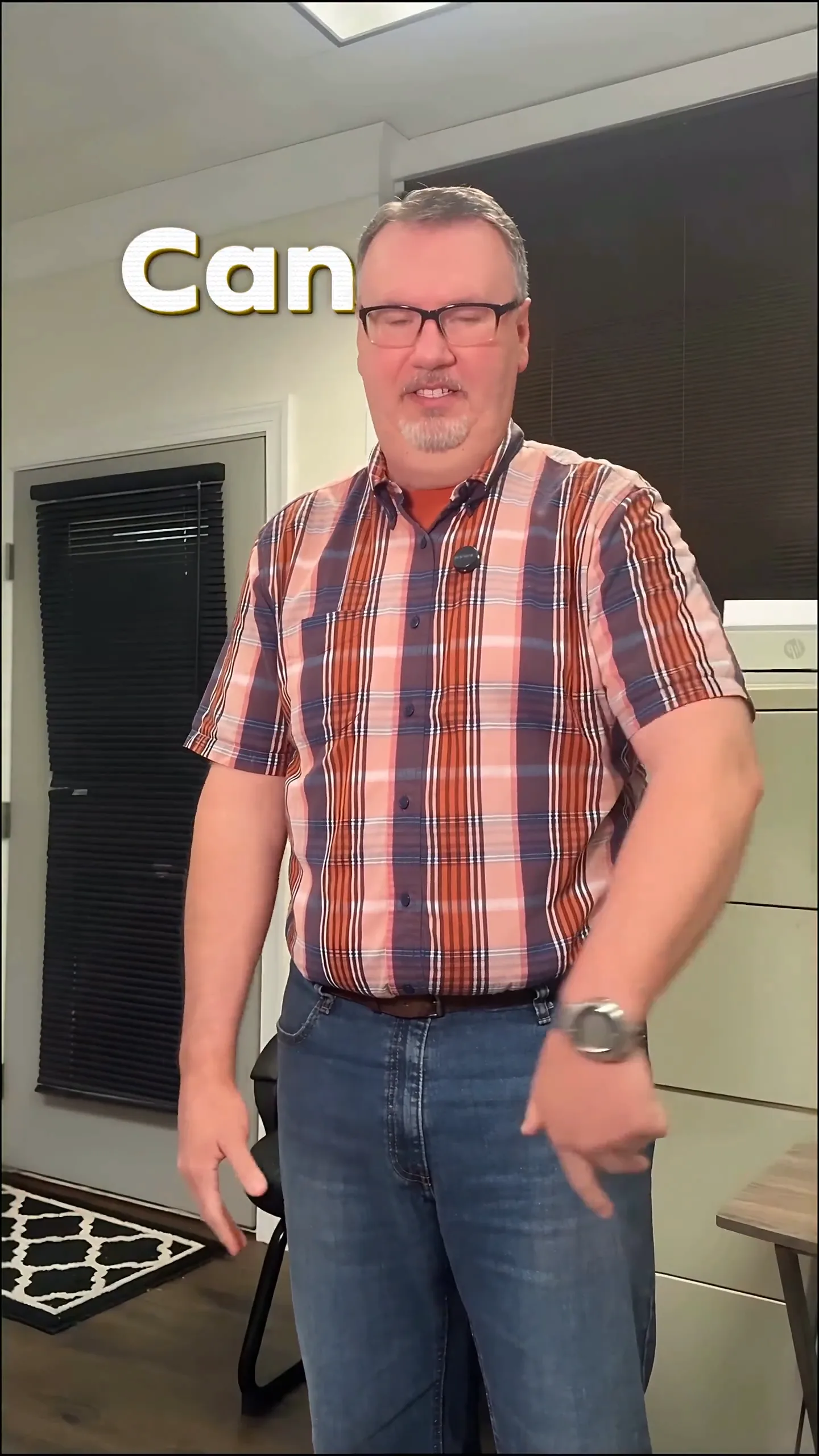
This edit effectively uses the beat-reactive features to highlight the dancer's movements while the lyrics float behind them, creating an engaging visual narrative.
Enhancing with Post-Process Effects
Once you’ve got your basic edit, you can take it to the next level with powerful post-process effects. Here’s what you can do:
- Targeted Effects: Apply effects to specific areas using masks. For example, you can style only the background with a glitch effect while keeping your subject clear.
- Beat-Reactive Effects: Add dynamic touches that sync to the bass of your track. As the bass hits, your visuals can flash or shake, enhancing the audio-visual connection.
With these enhancements, your sound reactive video not only captures attention but also keeps viewers engaged throughout.
A Note on Music Rights
Before you start creating, it's crucial to be aware of music rights. While fan edits and lyric videos are popular, the rules can vary depending on the song and region. Always use music you own, are licensed to use, or is royalty-free. Platforms also have their own copyright systems, so it’s wise to check the guidelines to avoid any issues. Remember, respecting copyrights is key to maintaining your account and creating a sustainable future for your edits.
Final Steps to Publish
After you finish your sound reactive video, you can easily export and share it. Make sure to preview your video to ensure everything syncs perfectly. Once satisfied, you’re ready to post it on your chosen platform, whether that's Instagram, TikTok, or YouTube. Engage with your audience and see how they react to your creative output!
In summary, creating a compelling sound reactive video is straightforward with the right tools. By uploading your audio, syncing visuals with the beat, and using innovative masking techniques, you can produce content that resonates with viewers and stands out in the fast-paced world of social media. Try it out today with the lyric video maker and watch your ideas come to life!
Frequently Asked Questions
How do I create a sound reactive video?
Upload your song to a video maker, sync visuals to the music, and apply effects.
What is a music visualizer?
A music visualizer creates dynamic visuals that react to audio, enhancing viewer engagement.
Can I use any song for my edits?
Use music you own or have permission to use; respect copyright rules on platforms.
How do I make a lyric video?
Upload your audio and either auto-generate or paste your lyrics for synchronization.
What are masked edits?
Masked edits keep your subject visible while applying visuals or effects to the background.
Can I repurpose my footage for a faceless edit?
Yes, upload your video and use masking to create faceless visuals filled with animations.
Make it yourself with Sleepy Motion
Describe the vibe, then add your song or clip on the next step.