
How to Repurpose Footage into Music Edits Today
Learn how to turn existing footage into engaging music edits for your short-form videos.
Repurposing footage into music edits is a powerful way to breathe new life into your existing videos, creating engaging content for platforms like TikTok and Instagram Reels. Whether you’re a dancer, vlogger, or just someone with a library of clips, you can transform that footage into eye-catching music edits quickly. By using tools like the lyric video maker, you can sync visuals to music seamlessly and attractively.
What Types of Footage Can I Use?
You can use a variety of footage types for music edits. Dance videos, travel vlogs, or any clips featuring movement work particularly well. If you want to repurpose footage of yourself, you can give it a faceless twist by applying effects to turn yourself into an anonymous silhouette filled with visuals. This not only adds a unique aesthetic but also allows you to maintain a level of privacy.
How to Start Repurposing Footage
- Choose Your Footage: Select the clips you want to repurpose. Consider what’s visually engaging and has potential for a rhythmic edit.
- Upload Your Song: Grab a song you love or have rights to. You can also opt for royalty-free music from platforms like Epidemic Sound or Artlist if you're concerned about rights.
- Upload Your Clip: Add your footage to the editing platform. You can upload videos directly or select from existing clips you’ve made.
- Select Your Edit Mode: Depending on what you uploaded, you can choose between audio-driven modes like a Visualizer or a Masked Edit. A Masked Edit will allow you to create a faceless effect, making your footage even more striking.
- Masked Edit: This option will mask your subject (you or someone else) and replace the background with the music visualizer, or you can create a silhouette effect that’s filled with vibrant musical visuals. This is perfect for dance clips or any footage that captures movement.
- Add Effects: Enhance your edit with post-process effects. Use beat-reactive effects to make your video hit harder with every bass beat. You can also apply themes like glitch effects or overlays to add more texture to your visuals. This is where you can really make your music edit stand out.
Example: From Dance Clip to Music Edit
Imagine you have a dance clip of yourself performing a routine. Start by uploading the clip, then pick a song that complements your moves. If you use a Masked Edit, you can turn yourself into a silhouette filled with vibrant colors that pulse with the music. Add some beat-reactive effects to ensure that the visuals shake and flash on every bass beat, creating a captivating experience for viewers.
Here’s a quick example of what that might look like:
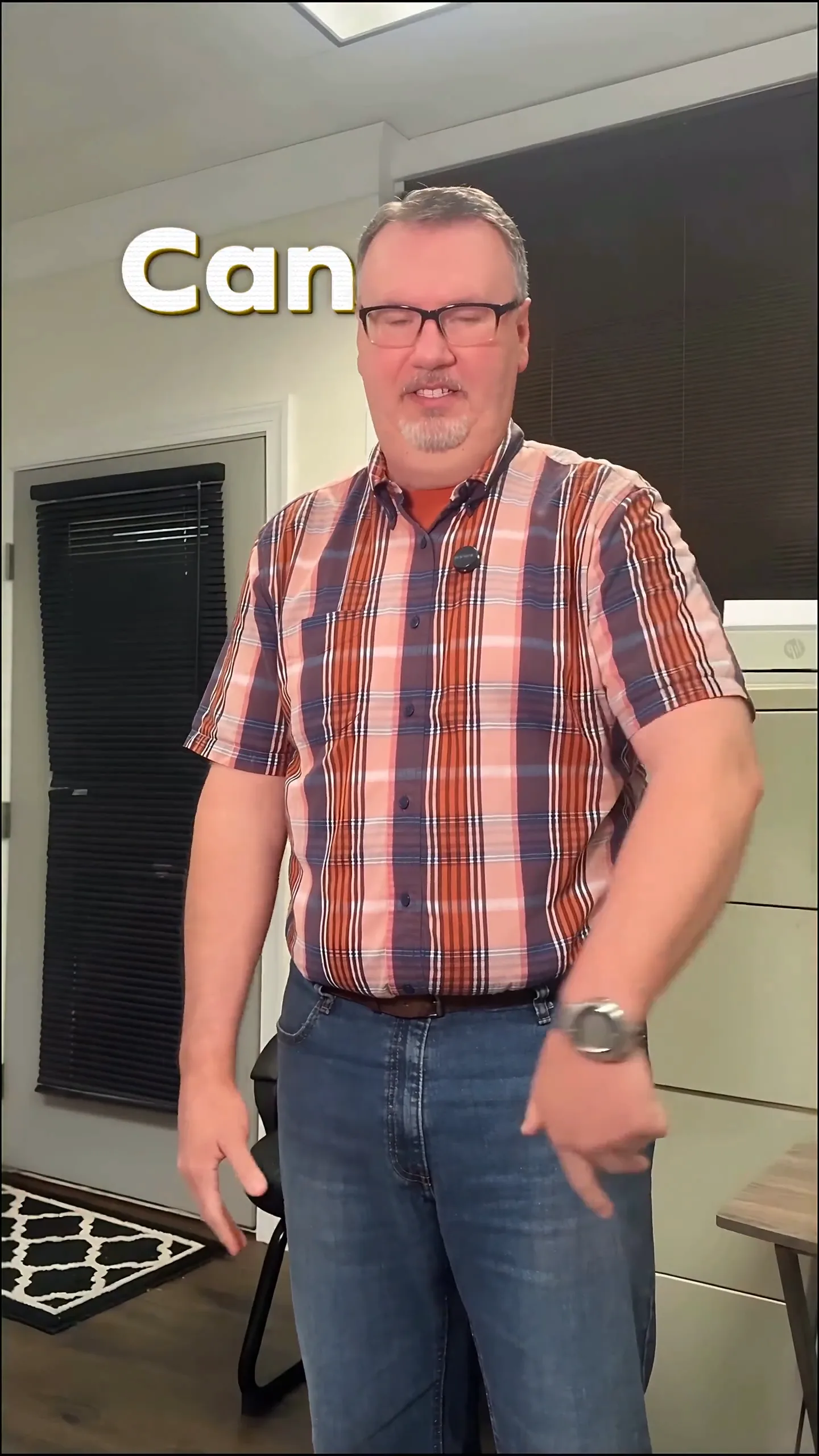
In this example, the background dances with the beat while the masked subject remains a lively silhouette, creating a seamless flow that feels alive and dynamic.
Plan your edit
Describe the vibe, then add your song or clip on the next step.
Tips for Creating Engaging Edits
- Keep It Short: Shorter edits tend to perform better on social media, especially if they’re engaging right from the start. Aim for around 15-30 seconds.
- Use Captions: Consider adding captions that are synced to the music. This can help convey your message even when viewers are scrolling by quickly.
- Choose the Right Platform: Tailor your edits for the platform you’re posting on. For TikTok, make sure your video adheres to their format and duration guidelines.
A Note on Music Rights
When repurposing footage into music edits, always be mindful of music rights. Use songs that you own or have permission to use, or opt for royalty-free tracks. This helps avoid potential copyright issues. Each platform has its own policies, so it’s worth checking those to ensure your content won’t face restrictions or removals.
Final Thoughts
Repurposing footage into music edits can dramatically enhance your video library and attract more viewers. By using tools like the lyric video maker and focusing on dynamic edits with a faceless approach, you can create compelling content that resonates with your audience. Don’t hesitate to experiment with effects and styles that suit your unique vision. Start today and watch your existing footage transform into engaging new content!
Frequently Asked Questions
How can I repurpose footage into music edits?
Select engaging clips, upload a song, and use a tool like Sleepy Motion to create beat-reactive edits.
What types of clips work best for music edits?
Dance videos, vlogs, and any footage with movement can be effectively repurposed.
Can I use my own music for edits?
Yes, using music you own or have rights to is the safest approach for creating edits.
What are masked edits in music videos?
Masked edits can turn subjects into silhouettes filled with visuals, creating a unique faceless effect.
How do I make a lyric video with my footage?
Upload your song and clips to a video maker and sync the lyrics to your visuals for a dynamic edit.
Can I use popular songs in my music edits?
Be cautious; always use music you have rights to or opt for royalty-free tracks to avoid copyright issues.
Make it yourself with Sleepy Motion
Describe the vibe, then add your song or clip on the next step.