
Create a Silhouette Video Effect for Your Edits Now
Learn how to make stunning silhouette video effects for your music edits today. Transform your footage effortlessly!
Creating a silhouette video effect is a fantastic way to add an artistic touch to your music edits, especially for short-form content. This effect allows you to turn your subject into a striking silhouette, filled with eye-catching visuals that sync with your music. You can achieve it easily using tools that automate the process, saving you time and hassle. Here’s how to do it today!
What is a Silhouette Video Effect?
A silhouette video effect transforms a subject in your footage into a dark outline, typically set against colorful or dynamic backgrounds. This technique can create a visually stunning output, drawing attention to movement and rhythm without revealing the subject's identity. It’s particularly popular among creators who want to maintain a level of anonymity or focus solely on the visual experience of their music edits.
How to Create a Silhouette Video Effect
To create a silhouette effect, you'll need a few components:
- Your Footage: A video clip where your subject is clearly distinguishable.
- Audio Track: Choose a song that you have rights to use, whether it’s licensed, royalty-free, or your own music.
- Visualizer Tool: Use a platform like Sleepy Motion that offers automatic subject masking and silhouette effects.
Step-by-Step Process
- Upload Your Footage and Audio: Start by uploading your video clip and the audio track to the editing software. Make sure your footage has good lighting so the subject is clear against the background.
- Select the Silhouette Effect Mode: Choose the masked edit option where your subject will be turned into a silhouette. The software will automatically identify and mask your subject frame by frame, which typically saves a lot of time compared to manual methods.
- Add Visuals: Once the silhouette is created, you can fill it with engaging visuals, such as a music visualizer or dynamic backgrounds. You can choose to apply the visuals to the silhouette alone or to the entire frame for a more immersive effect.
- Sync with Audio: The software will make sure your visuals react to the beat of your music, adding life to your edits. Ensure the beat-reactive effects flash or shake on bass hits for a more rhythmic sync.
- Export Your Edit: Once you're satisfied with your adjustments, export your video. You’ll be ready to share your unique silhouette edit on platforms like TikTok or Instagram!
Plan your edit
Describe the vibe, then add your song or clip on the next step.
Example: Dance Edits with Silhouette Effects
Dance creators often utilize silhouette effects to make their performances pop. By turning dancers into glowing outlines filled with vibrant patterns, they create engaging content that stands out in feeds. Silhouette edits work perfectly for short-form videos, making the viewers focus on the movement rather than the individual’s features.
A Note on Music Rights
When using music in your silhouette edits, it’s essential to respect copyright. Make sure to use tracks that you own, are royalty-free, or have permission to use. Platforms may have varying rules on copyright, especially for monetized content, so always check their guidelines to avoid potential issues.
Why Use a Silhouette Effect?
The silhouette effect not only enhances the visual appeal of your edits but also provides a modern aesthetic that resonates well with audiences. It allows you to create a unique brand identity without revealing too much about yourself or your subjects. This is particularly useful for creators focusing on faceless content or those wanting to repurpose existing videos into fresh formats.
Conclusion
Using a silhouette video effect is a straightforward process that can elevate your music edits significantly. With the right tools, you can create stunning visuals that resonate with viewers and set your content apart. Check out the lyric video maker to get started on your next project today!
Media Example
To see a demonstration of a silhouette effect in action, check out this example that showcases a dancer filled with dynamic visuals, emphasizing the music and movement:
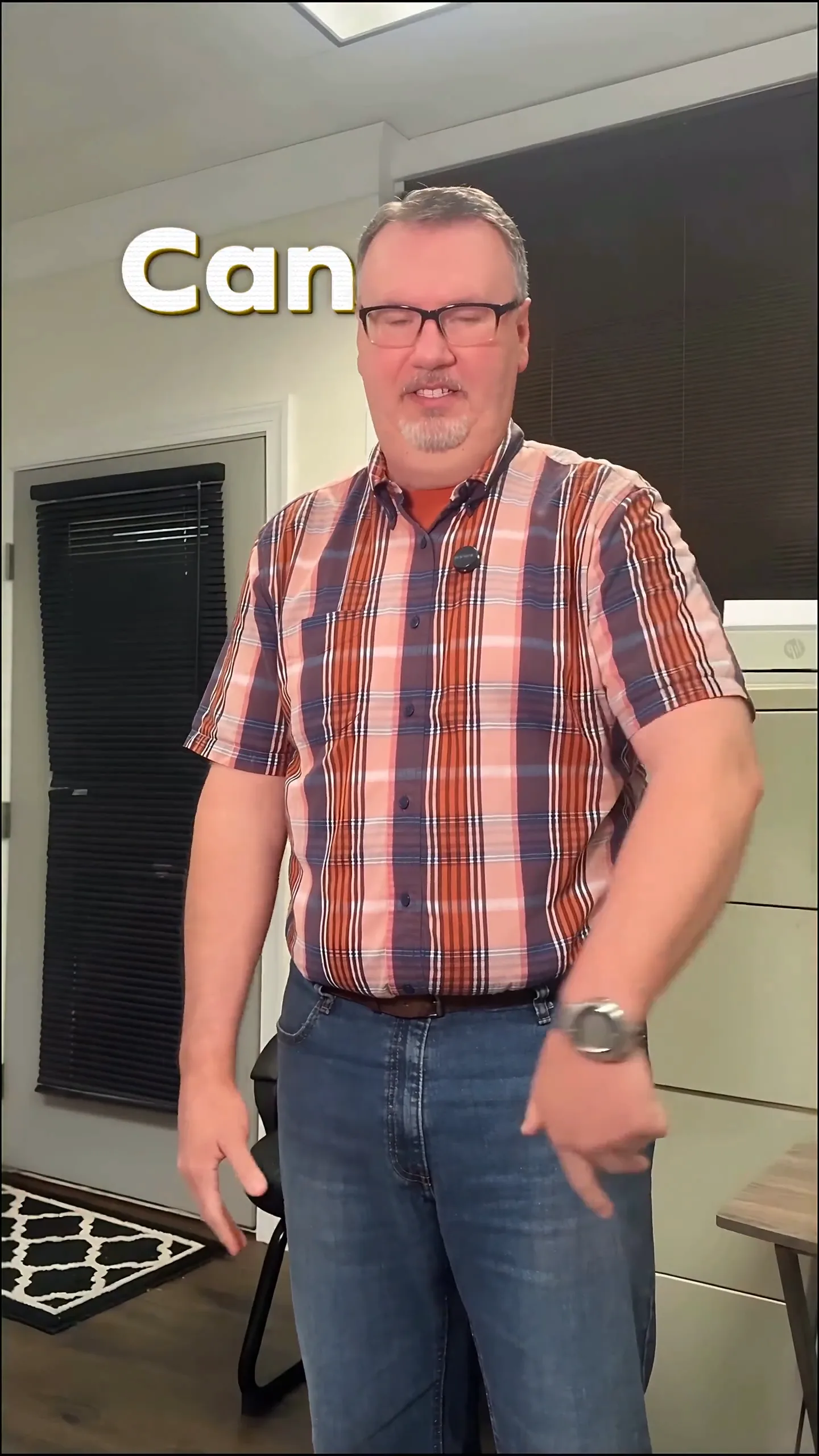
By following these steps and utilizing the right tools, you’ll be well on your way to creating eye-catching silhouette edits that keep your audience engaged.
Frequently Asked Questions
What is a silhouette video effect?
A silhouette video effect turns your subject into a dark outline, filled with visuals, enhancing the artistic appeal of your edits.
How can I make a silhouette video effect?
Upload your footage and audio, select a masked edit mode, and let the software create a silhouette filled with visuals synced to the music.
What types of music can I use in my edits?
Use music you own, are licensed for, or royalty-free tracks to avoid copyright issues when creating your silhouette edits.
How does the silhouette effect enhance my video?
It focuses viewers' attention on movement and rhythm, creating a visually engaging experience without revealing the subject's identity.
Can I use existing footage for silhouette edits?
Yes, you can repurpose any footage you have rights to, transforming it into a fresh silhouette edit with the right tools.
What tools can I use for creating silhouette effects?
Platforms like Sleepy Motion offer automatic masking and silhouette options, making the process simple and efficient.
Make it yourself with Sleepy Motion
Describe the vibe, then add your song or clip on the next step.